Hardware IPTV Encoder: The 2026 Technical Guide & Enterprise Comparison
Everything you need to know about hardware IPTV encoders in 2026. Explore HDMI/SDI interfaces, 4K HEVC compression, hardware vs. software performance, and enterprise headend architectures.
# Hardware IPTV Encoder: The 2026 Technical Guide & Enterprise Comparison
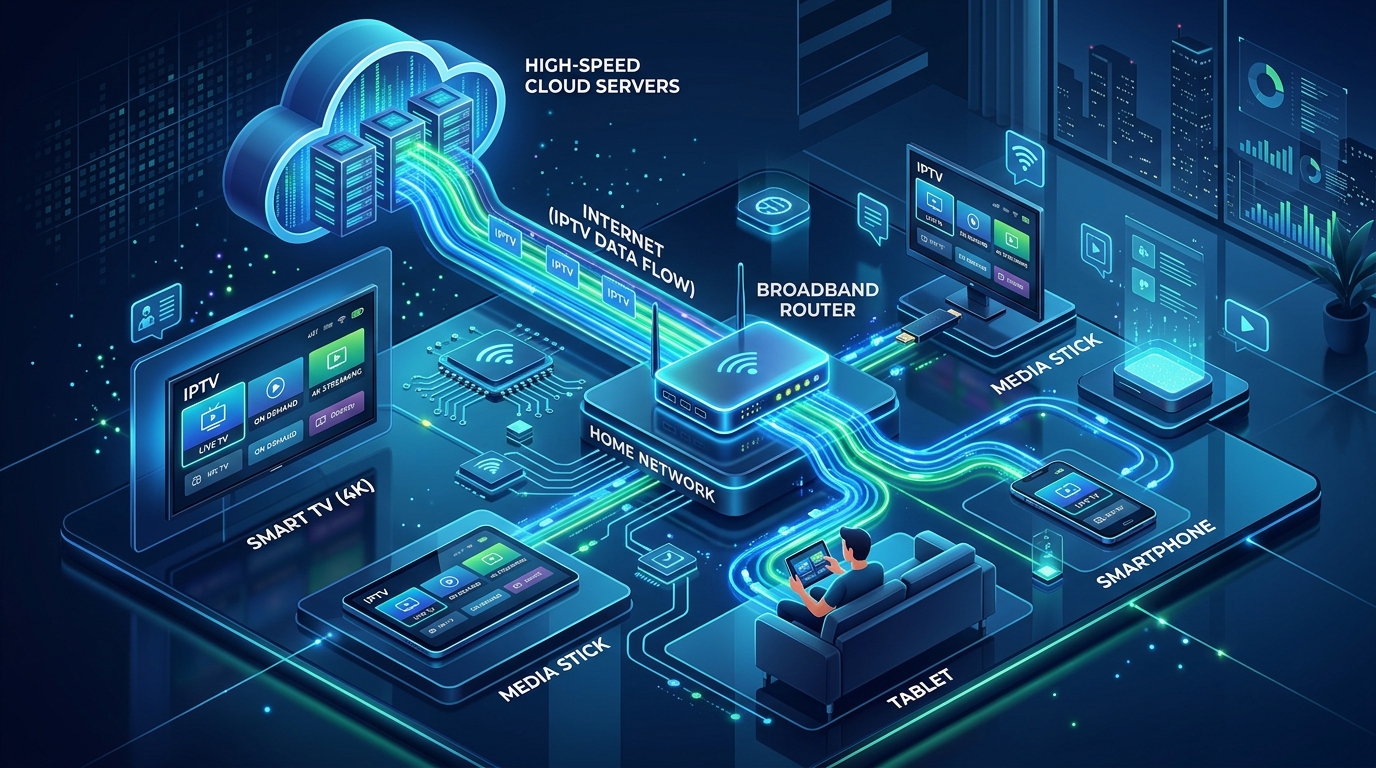
In professional telecommunications, enterprise broadcast engineering, and large-scale commercial video distribution, the hardware IPTV encoder is the mission-critical hardware engine that powers modern internet television.
Whether transmitting a high-stakes championship live sports broadcast to millions of simultaneous cord-cutters, distributing in-house video feeds across a luxury hotel or stadium, or operating a high-density broadcast headend, software-based computer solutions often fall short of enterprise reliability.
A dedicated hardware IPTV encoder eliminates operating system instability, eliminates frame drops, and delivers crystal-clear 4K 60FPS HEVC/AV1 video with glass-to-glass latency under 100 milliseconds.
At IPTV USA Pro, our enterprise streaming network is powered by broadcast-grade HEVC hardware encoding clusters feeding dedicated 10Gbps US multi-CDN edge servers to deliver over 25,000+ live television channels, local network affiliates across all 210 US markets, and complete 4K sports passes starting at just $14.99 per month.
In this comprehensive 2026 technical guide, our broadcast systems architects break down how hardware IPTV encoders work, compare hardware vs. software encoding architectures, evaluate essential technical benchmarks, and explain commercial deployment frameworks.
What Is a Hardware IPTV Encoder and How Does It Operate?
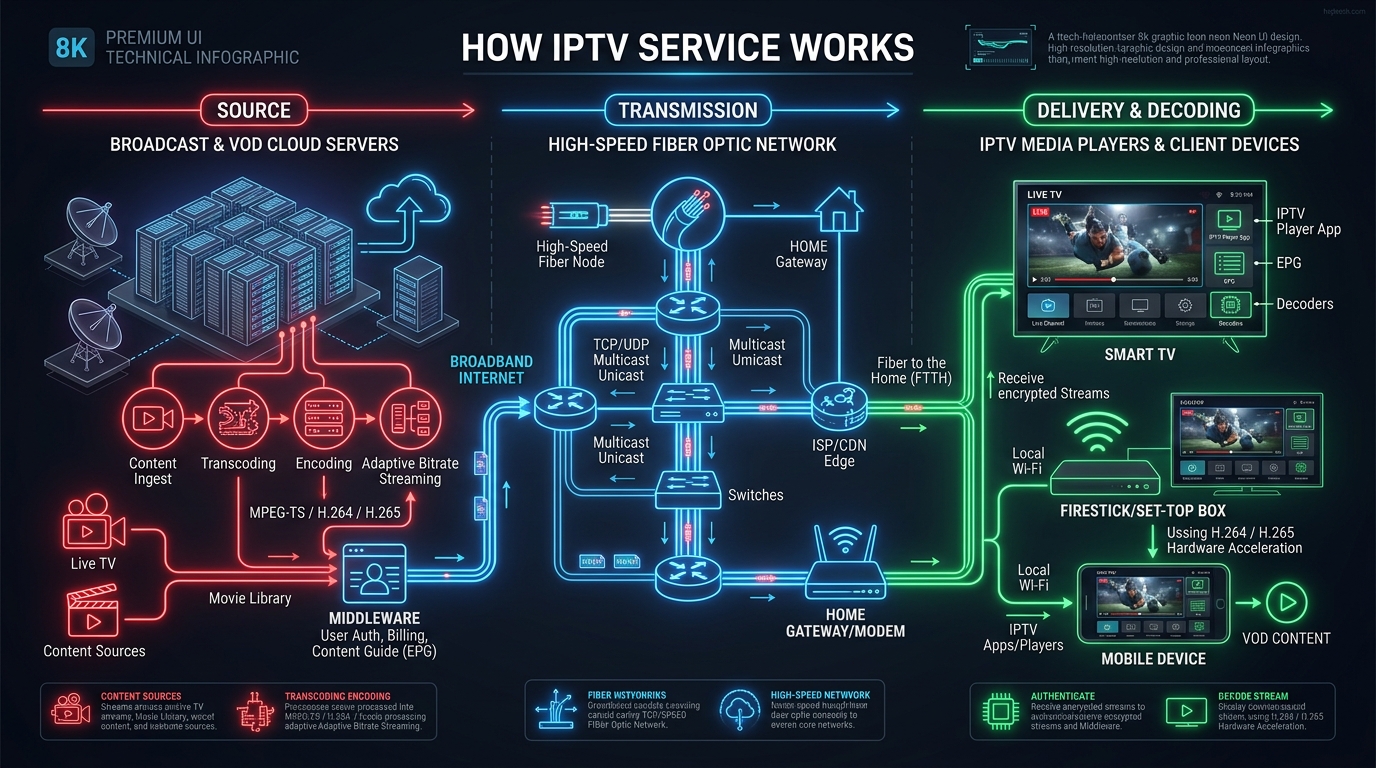
A hardware IPTV encoder is a standalone, dedicated physical appliance engineered with specialized Application-Specific Integrated Circuits (ASIC), Field-Programmable Gate Arrays (FPGA), or high-performance Digital Signal Processors (DSP).
Unlike general-purpose computers running video software, a hardware encoder has one singular function: converting baseband uncompressed video into highly compressed, network-ready digital IP transport streams in real time.
The 4-Stage Hardware Encoding Pipeline
- HDMI 2.0 / 2.1: Standard consumer and commercial interface carrying up to 4K 60FPS video with embedded PCM/Dolby audio.
- 3G / 6G / 12G-SDI: Broadcast industry standard featuring locking BNC connectors, supporting long cable runs with zero signal degradation.
- Composite / Component / ASI: Legacy analog and digital transport interfaces for heritage headend integration.
- HEVC (H.265): Reduces bandwidth consumption by 50% compared to H.264 while maintaining pristine 4K resolution.
- AV1: Next-generation open royalty-free codec delivering up to 30% superior compression over HEVC.
- AVC (H.264): Universally compatible legacy codec for older client decoders.
Hardware IPTV Encoders vs. Software PC Encoders (OBS / FFmpeg)
Broadcast and IT administrators frequently debate between deploying physical hardware encoders or running software encoders (such as OBS Studio, vMix, or FFmpeg) on a PC workstation.
| Evaluation Metric | Dedicated Hardware IPTV Encoder | Software PC Encoder (OBS / vMix / FFmpeg) |
|---|---|---|
| Processing Architecture | Dedicated ASIC / FPGA / DSP Microchips | General-purpose CPU / GPU Cycles |
| 24/7/365 Reliability | 99.999% Industrial Uptime (Fanless / No OS crashes) | Vulnerable to OS updates, driver crashes & background tasks |
| Glass-to-Glass Latency | Ultra-Low (<100ms with SRT / UDP) | High (1.5 to 5.0 seconds due to OS buffering) |
| Power Consumption | Low (8W – 25W per channel) | High (250W – 650W per PC workstation) |
| Thermal Management | Industrial aluminum chassis / Passive cooling | Prone to GPU thermal throttling during heavy load |
| Form Factor & Density | Compact 1U/2U Rackmount (Up to 24 channels/chassis) | Bulky PC towers (Consumes massive rack space) |
| Boot & Recovery Time | Instant boot (<15 seconds on power cycle) | Slow (1 to 3 minutes for OS boot & app launch) |
| Cost per 24/7 Channel | Highly economical at scale | Expensive (Requires high-end multi-GPU workstations) |
Essential Technical Benchmarks to Evaluate in 2026
When sourcing hardware IPTV encoders for commercial or enterprise broadcast workflows, ensure the hardware satisfies these six modern benchmarks:
1. True 4K UHD @ 60 FPS & 10-Bit HDR Passthrough
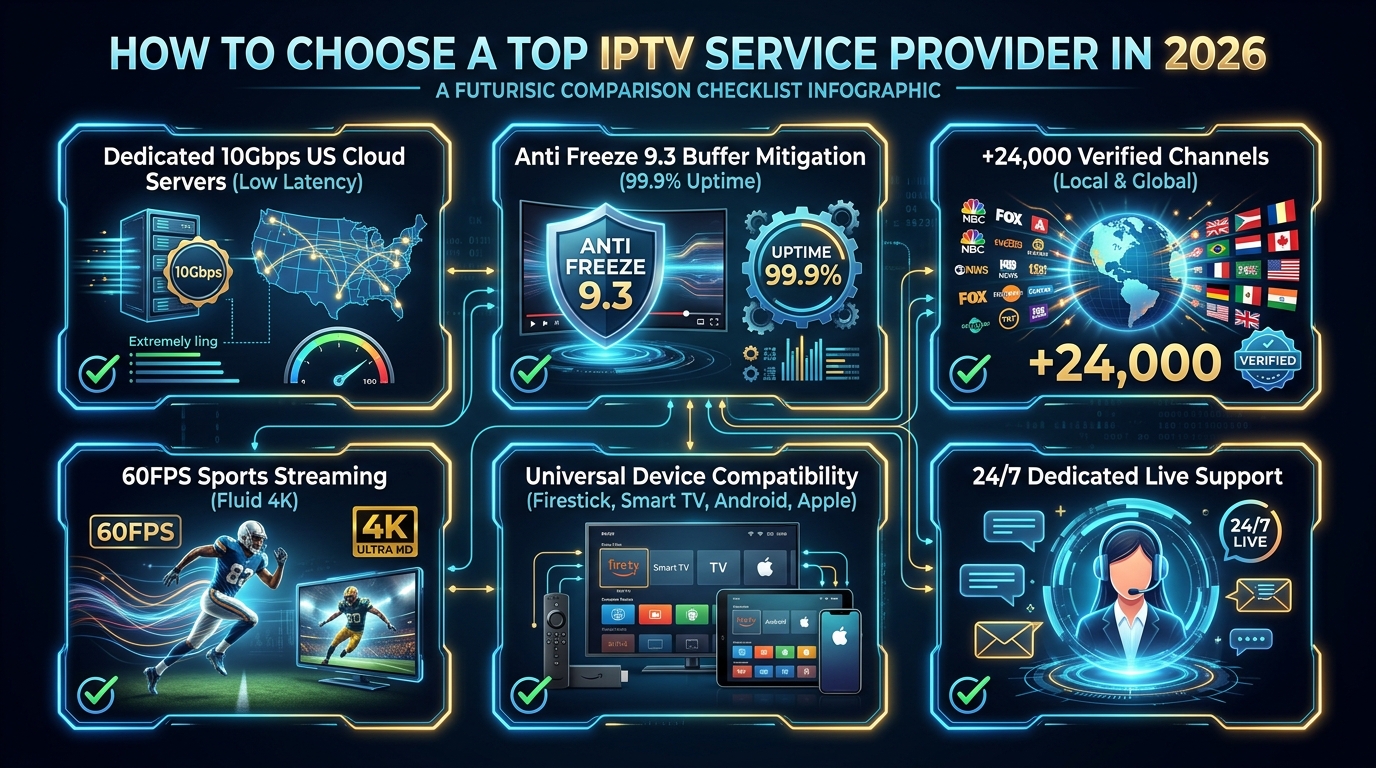
Fast-moving athletic events (football, basketball, hockey, motorsport) demand 60 frames per second (FPS) to eliminate motion blur. Top-tier hardware encoders support 4K 60FPS with 10-bit HDR10 and HLG color grading passthrough.
2. Native HEVC (H.265) & AV1 Dual Codec Support
Bandwidth efficiency is critical. Encoding in H.265 (HEVC) allows you to deliver crystal-clear 4K sports at 15–20 Mbps instead of the 35–40 Mbps required by legacy H.264.
3. Comprehensive Multi-Protocol Support (SRT, UDP, HLS, RTMP)
4. Multi-Bitrate & Multi-Profile Stream Generation
Enterprise encoders feature simultaneous multi-stream output from a single physical input. For example, ingesting one 4K HDMI camera feed and simultaneously outputting:
5. High-Density Rackmount Form Factors
For commercial facilities requiring multiple channels (such as sports bars with 16 cable boxes or hotels with 24 satellite feeds), high-density 1U or 2U modular blade chassis provide centralized cooling, redundant dual power supplies, and hot-swappable encoder cards.
6. Robust Web Management & Automation APIs
Remote administration via an embedded Web GUI, REST API, SNMP v2/v3 monitoring, and automated reboot watchdogs ensure uninterrupted operation without physical intervention.
Real-World Enterprise Deployment Scenarios
Hardware IPTV encoders are utilized across diverse professional sectors:
1. Commercial IPTV Headends & Broadcast Distribution
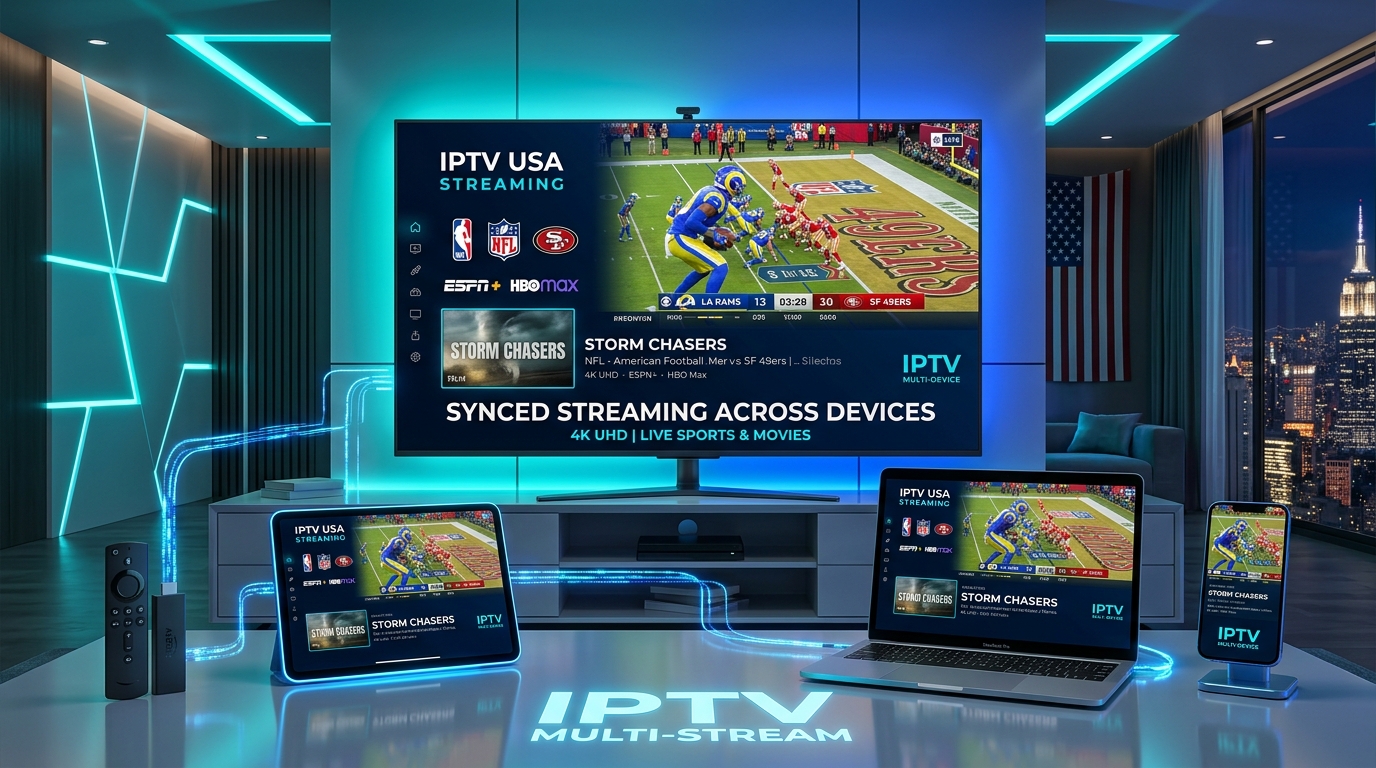
Tier-1 IPTV providers—including IPTV USA Pro—deploy high-density hardware encoder arrays in enterprise data centers. Studio satellite feeds are encoded into optimized HEVC transport streams and injected directly into 10Gbps multi-CDN edge servers.
2. Sports Stadiums, Arenas & Hospitality Networks
Sports venues and luxury hotel chains connect digital signage, live camera feeds, and satellite receivers to multi-channel HDMI encoders. The resulting UDP multicast streams flow across standard enterprise Ethernet cables to Smart TVs running apps like TiviMate or IBO Player, eliminating costly HDMI matrix switchers.
3. Houses of Worship & Campus Enterprise TV
Universities and corporate campuses convert auditorium and lecture hall SDI cameras into low-latency SRT/HLS streams for campus-wide distribution and remote viewers.
Step-by-Step: How to Configure an HDMI Hardware IPTV Encoder in 5 Steps
Setting up a standalone hardware encoder takes less than 5 minutes:
Step 1: Connect Physical Video & Network Cables
Step 2: Access the Embedded Web GUI Dashboard
192.168.1.168 or assigned via DHCP).admin / admin).Step 3: Configure Video Encoding Parameters
H.265 (HEVC).3840x2160 (4K) or 1920x1080 (1080p).60 FPS.15000 kbps (15 Mbps) and Bitrate Control: CBR (Constant Bitrate).Step 4: Configure Streaming Protocols (SRT / UDP / RTMP)
- For Local LAN: Enable UDP Multicast and assign a multicast IP (e.g., udp://239.255.1.1:1234).
- For Remote CDN / Internet: Enable SRT Caller and input your CDN server URL and port.
Step 5: Verify Playback on Client Player
Open VLC Media Player, TiviMate, or IPTV Smarters Pro, select Open Network Stream, enter your stream URL, and enjoy broadcast-quality live streaming!
Frequently Asked Questions About Hardware IPTV Encoders
1. What is a hardware IPTV encoder and how does it work?
A hardware IPTV encoder is a dedicated physical appliance built with specialized ASIC, FPGA, or DSP processing chips. It captures raw, uncompressed video signals from physical inputs (such as HDMI or SDI) and compresses them in real time into digital IP transport streams (H.264/AVC, H.265/HEVC, AV1) over protocols like SRT, UDP, RTMP, and HLS for network distribution.
2. What is the difference between a hardware encoder and a software encoder (like OBS or FFmpeg)?
Hardware encoders utilize dedicated microchips engineered exclusively for video processing, offering sub-second latency, zero frame drops, low power consumption, and 24/7/365 fanless stability without OS crashes. Software encoders run on general-purpose PC CPUs/GPUs, which are prone to thermal throttling, software crashes, operating system updates, and higher latency.
3. Why is HEVC (H.265) compression important for IPTV hardware encoders?
HEVC (High-Efficiency Video Coding) delivers up to 50% greater compression efficiency compared to legacy H.264 without sacrificing visual clarity. This enables pristine 4K 60FPS video broadcasting at bitrates of 15–20 Mbps instead of 35–40 Mbps, conserving network bandwidth while eliminating buffering.
4. What video input ports do hardware IPTV encoders typically feature?
Professional IPTV encoders typically feature HDMI 2.0/2.1 ports for consumer set-top boxes, gaming consoles, and cameras, or 3G/6G/12G-SDI ports with BNC connectors for broadcast-grade studio cameras, switchers, and master control feeds.
5. Which streaming protocols are best for IPTV hardware encoding?
For local private networks (hospitality, enterprise, stadium LANs), UDP/RTP Multicast provides near-zero latency. For public internet transmission across wide-area networks and CDNs, SRT (Secure Reliable Transport) is the gold standard due to its built-in packet loss recovery and sub-200ms latency.
6. Can a single hardware IPTV encoder stream in multiple resolutions simultaneously?
Yes. Advanced multi-profile IPTV encoders can ingest a single 4K 60FPS source and simultaneously output multiple multi-bitrate streams (e.g., 4K @ 18 Mbps, 1080p @ 6 Mbps, and 720p @ 2.5 Mbps) to accommodate varying viewer connection speeds.
7. How do commercial venues like sports bars and hotels use hardware IPTV encoders?
Commercial venues connect multiple satellite receivers, cable boxes, or media players to multi-channel HDMI hardware encoders (such as 4, 8, 16, or 24-channel rackmount units). The encoders convert the HDMI feeds into multicast IP streams distributed over local Ethernet to smart TVs without messy physical HDMI splitters or long coaxial runs.
8. How does IPTV USA Pro utilize broadcast-grade hardware encoders?
IPTV USA Pro operates high-density broadcast HEVC hardware encoders in Tier-1 North American data centers. Ingested live sports feeds are encoded in genuine 4K 60FPS with Anti-Freeze 9.3 buffer mitigation and pushed directly to 10Gbps US multi-CDN edge servers for flawless subscriber playback.
9. What internet upload bandwidth is needed to operate a 4K hardware IPTV encoder?
We recommend a dedicated, unthrottled uplink speed of at least 25–35 Mbps per 4K 60FPS HEVC stream and 10–15 Mbps per 1080p 60FPS stream to maintain buffer-free transmission.
10. How do I configure and access a hardware IPTV encoder?
Hardware encoders are configured by connecting an Ethernet cable, opening a web browser, and logging into the encoder's embedded Web GUI dashboard using its static IP address. From there, administrators configure video bitrates, audio sampling, and target streaming URLs.
Experience Enterprise Broadcast Quality with IPTV USA Pro
Ready to experience over 25,000+ live channels, 4K 60FPS live sports, and 100,000+ movies encoded with enterprise broadcast hardware and delivered across 10Gbps US multi-CDN servers? Join thousands of satisfied streamers who have switched to IPTV USA Pro.
Stream Over 24,000+ Channels with Zero Buffering
Enjoy high-speed 4K & FHD streaming powered by Anti Freeze 9.3 servers. Compatible with Firestick, Smart TVs, Android, iOS, and PC with instant 5-minute activation.