How Do I Get IPTV? A Complete Beginner's Step-by-Step Guide (2026)
Asking how do I get IPTV in the USA? Discover the exact steps to choose a plan, install top IPTV player apps on Firestick & Smart TVs, and stream 24,000+ live channels in minutes.
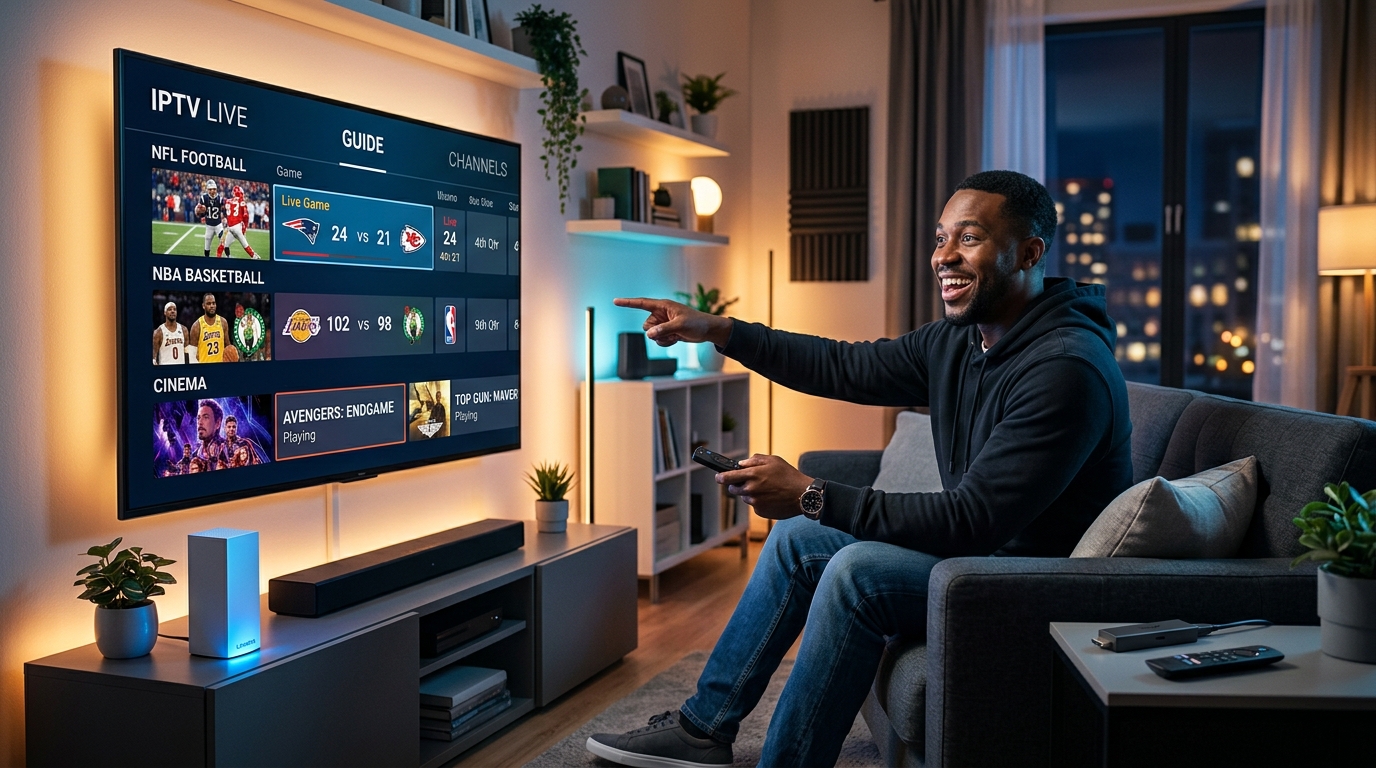
If you find yourself asking "how do I get IPTV?", you are looking for a smarter, faster, and dramatically more affordable way to watch live television in the United States. With traditional cable and satellite bills routinely topping $150 to $220 every single month, American cord-cutters are switching to Internet Protocol Television (IPTV) in record numbers.
IPTV allows you to stream over 24,000 live HD and 4K channels, comprehensive live sports packages, local news across all 50 states, and over 110,000 on-demand movies directly across your standard broadband internet connection.
Whether you are holding an Amazon Firestick, setting up your living room Smart TV, or looking to stream live games on your phone or laptop, this beginner-focused guide answers "how do I get IPTV?" step-by-step with zero technical jargon.
What Do I Need Before I Get IPTV? (Quick Checklist)
Getting started with IPTV does not require expensive equipment or complicated contracts. Before you begin, make sure you have these three essentials:
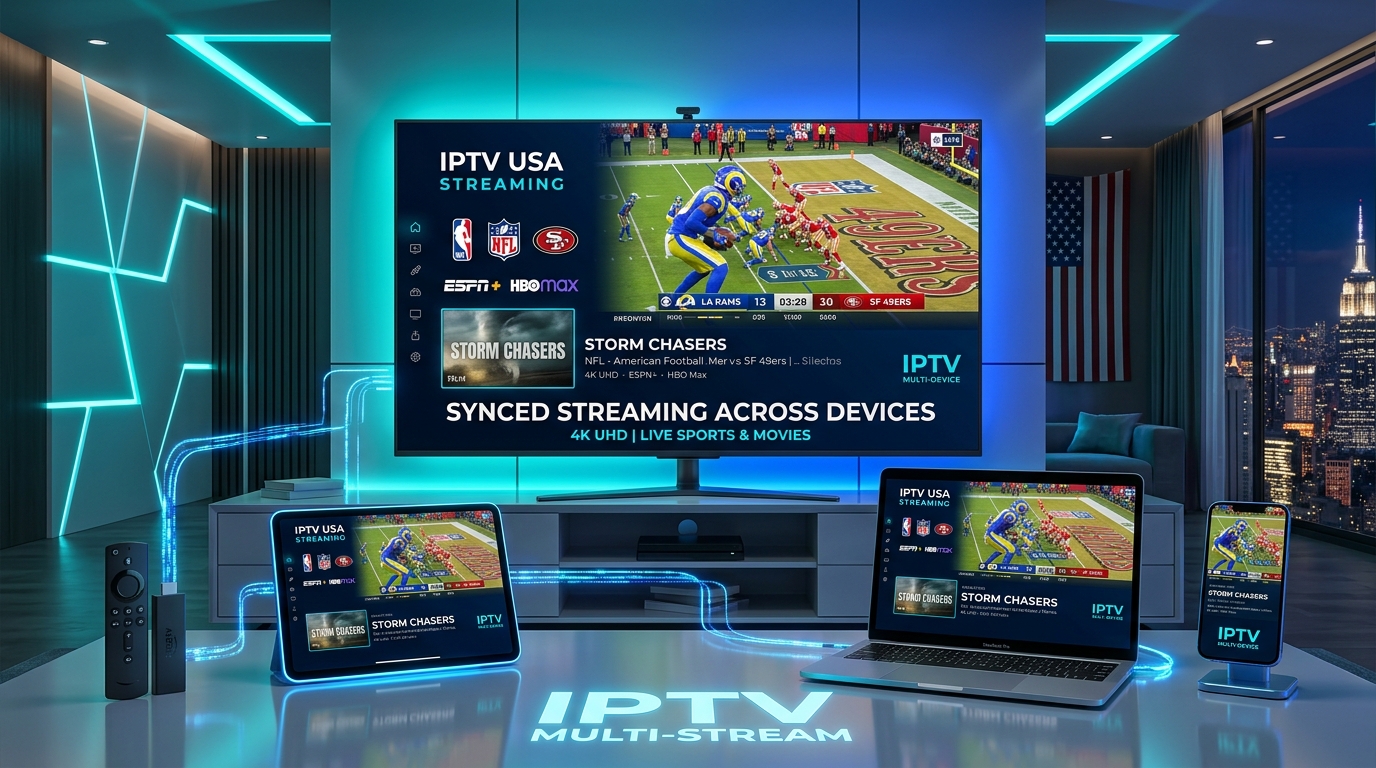
1. A Streaming Device or Smart TV
You can use hardware you already own:
2. High-Speed Internet Connection
Because IPTV delivers real-time high-definition video at 60 frames per second:
3. An Active IPTV Subscription
To access channel streams, you need digital activation credentials from a verified provider like IPTV USA. These credentials include:
How Do I Get IPTV in 4 Easy Steps?
Here is the exact step-by-step process to get IPTV up and running on your TV in less than 5 minutes:
Step 1: Choose Your IPTV Plan
Start by choosing an IPTV subscription package based on your household needs:
Check out all available IPTV subscription plans and special discounts.
Step 2: Receive Your Instant Login Credentials
Upon completing checkout, check your email. Your activation message contains your Xtream Codes API details (Server URL, Username, and Password) and your M3U Playlist link.
Step 3: Install an IPTV Player App on Your Device
An IPTV player is the app that displays your channels, loads the TV guide (EPG), and plays video feeds. Popular player apps include:
| IPTV Player App | Supported Devices | Key Feature | Best For |
|---|---|---|---|
| IPTV Smarters Pro | Firestick, Android, iOS, Windows, Mac | Clean layout, VOD tracking | Best Multi-Device Player |
| TiviMate IPTV Player | Android TV, Google TV, Firestick | Premium cable-style EPG | Best Living Room TV App |
| IBO Player | Samsung Tizen, LG webOS | Direct Smart TV store download | Best for Samsung & LG TVs |
| XCIPTV Player | Firestick, Android TV boxes | Fast channel switching | Best Simplified Interface |
| IPTVX | Apple TV 4K, iPhone, iPad | Apple Liquid UI, iCloud sync | Best for Apple Ecosystem |
Step 4: Log In and Start Watching Live TV
Open your installed IPTV app, select Login with Xtream Codes API, type in your Server URL, Username, and Password, and click Login. Your player will download all 24,000+ live channels and 110,000+ VOD movies in seconds.
How Do I Get IPTV on My Specific Device?
Follow these simple walkthroughs for your exact television or streaming hardware. For comprehensive visual walkthroughs, browse our dedicated step-by-step setup guides.
How Do I Get IPTV on an Amazon Firestick?
The Amazon Firestick is the #1 choice for IPTV streaming in the USA.
On your Firestick home screen, click Find > Search, type Downloader*, and install it.
Navigate to Firestick Settings (gear icon) > My Fire TV > Developer Options*.
Turn Install Unknown Apps for Downloader to ON. (If Developer Options is hidden, go to Settings > My Fire TV > About and click your device name 7 times rapidly).*
Launch Downloader, enter the short code for IPTV Smarters Pro or TiviMate, and click Install*.
Open the app, select Xtream Codes API*, enter your credentials, and enjoy instant live streaming.
How Do I Get IPTV on Samsung & LG Smart TVs?
You can stream IPTV directly on your Samsung or LG television without buying an external stick:
How Do I Get IPTV on Android TV & Google TV?
If you own a Sony, TCL, Hisense, or Chromecast with Google TV:
How Do I Get IPTV on Apple TV, iPhone & iPad?
For Apple users:
How Do I Get IPTV on Windows PC & Mac?
To stream on computers and laptops:
How Do I Avoid Buffering When I Get IPTV?
Buffering during live football, basketball, or UFC fights is the most common concern for new streamers. Follow these expert tips to ensure flawless playback:
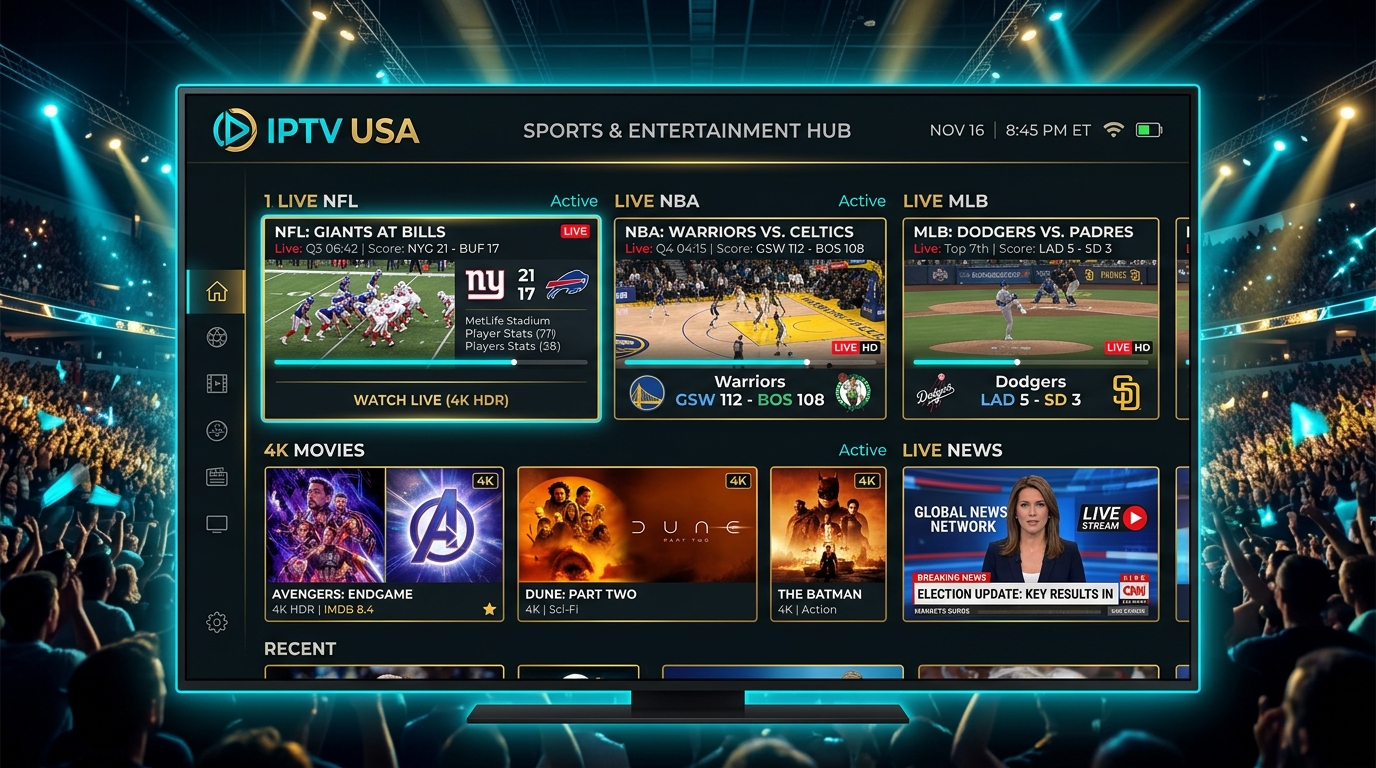
1. Use a 5GHz Wi-Fi Connection or Ethernet Cable
Standard 2.4GHz Wi-Fi is crowded with household interference. For smooth 4K 60FPS video feeds, connect your streaming device to your router's 5GHz band or use an Ethernet cable.
2. Choose a Provider with Anti-Freeze 9.3 Technology
Low-tier providers overcrowd servers, causing lag during major sports events. Look for a provider utilizing Anti Freeze 9.3 protocols and dedicated 10Gbps US cloud servers.
3. Use a VPN to Stop ISP Bandwidth Throttling
Major American Internet Service Providers (like Comcast Xfinity, Spectrum, and AT&T) frequently throttle continuous high-definition video streams during peak hours. A high-speed VPN encrypts your traffic so your ISP cannot throttle your speed.
How Getting IPTV Compares to Traditional Cable in the USA
Let's examine the financial and functional differences between getting an IPTV subscription and paying for traditional cable:
| Comparison Metric | IPTV USA Subscription | Traditional US Cable (Xfinity / Spectrum) |
|---|---|---|
| Monthly Cost | $14.95 / month (or ~$5.80/mo on annual) | $120.00 – $220.00 / month |
| Annual Household Cost | $69.95 / year | $1,500 – $2,600 / year |
| Live Channels | +24,000 Live Channels | 150 – 250 Channels |
| VOD Movie Library | +110,000 Movies & TV Series | Limited paid on-demand rentals |
| Contracts | No contract (Cancel anytime) | 12 to 24 month contracts |
| Equipment Rentals | $0 (Use Firestick or Smart TV) | $10 – $25/mo per cable box |
| Sports & PPV | All major US sports in 4K UHD | Expensive regional sports tiers |
Is It Legal When I Get IPTV in the USA?
Yes. IPTV technology itself is 100% legal in the United States. IPTV is an established telecommunications protocol used by telecom companies and streaming services worldwide.
The legal framework surrounding streaming content is governed by copyright licensing under Title 17 of the U.S. Code and the Protecting Lawful Streaming Act (PLSA) of 2020.
For an exhaustive legal breakdown, read our dedicated articles:
Frequently Asked Questions About Getting IPTV
How do I get IPTV for the first time?
To get IPTV for the first time, you need three simple things: (1) An active IPTV subscription from a provider like IPTV USA; (2) A streaming device such as an Amazon Firestick, Smart TV, Android Box, or Apple TV; and (3) A free IPTV player app like IPTV Smarters Pro or TiviMate. Once you enter your login credentials, your channel lineup loads instantly.
How do I get IPTV on my Firestick?
To get IPTV on your Firestick, install the Downloader app from the Amazon Appstore, enable Developer Options (Install Unknown Apps), download an IPTV player app such as IPTV Smarters Pro or TiviMate, and log in with your Xtream Codes API username, password, and server URL.
How do I get IPTV on my Samsung or LG Smart TV?
To get IPTV on a Samsung or LG Smart TV, open your TV's app store (Samsung Smart Hub or LG Content Store), search for IBO Player or Smart IPTV, and install it. Open the app to view your Device ID and Key, then upload your IPTV playlist link via the app's online portal or send your device code to 24/7 support.
How do I get my IPTV login credentials after purchasing?
Upon completing your IPTV subscription order, your activation credentials (Xtream Codes API Server URL, Username, and Password, plus your M3U playlist link) are delivered immediately to your email inbox and customer support portal.
What internet speed do I need to get IPTV in 4K?
For standard HD streaming (1080p), you need an internet connection of at least 15 to 25 Mbps. For smooth 4K Ultra HD live sports streaming with zero buffering, a broadband speed of 35 Mbps or higher is recommended.
How do I get live sports and PPV on IPTV?
When you get a complete IPTV package, major live sports networks (ESPN, FS1, TNT, NFL Sunday ticket, NBA League Pass, MLB, NHL, Premier League, UEFA Champions League, and UFC PPV events) are built directly into the live TV directory in 1080p 60FPS and 4K resolution.
Do I need a cable subscription or satellite dish to get IPTV?
No. IPTV completely replaces traditional cable and satellite infrastructure. All television broadcasts, sports feeds, and movies are transmitted digitally over your existing residential internet connection without any coaxial cables or satellite dishes.
How much money do I save when I get IPTV?
Switching from traditional US cable or satellite television (which averages $120 to $200 per month) to an IPTV subscription ($14.95/month or $69.95/year) saves American households between $1,200 and $1,800 every single year.
Ready to Get IPTV Today?
Now that you know how do I get IPTV, you can upgrade your home entertainment and start watching 24,000+ live channels, sports, and movies today.
Stream Over 24,000+ Channels with Zero Buffering
Enjoy high-speed 4K & FHD streaming powered by Anti Freeze 9.3 servers. Compatible with Firestick, Smart TVs, Android, iOS, and PC with instant 5-minute activation.