How Do I Set Up IPTV? The Complete Step-by-Step Installation Guide (2026)
Wondering how do I set up IPTV? Follow our easy step-by-step installation tutorials for Amazon Firestick, Samsung & LG Smart TVs, Android, and Apple devices in under 5 minutes.
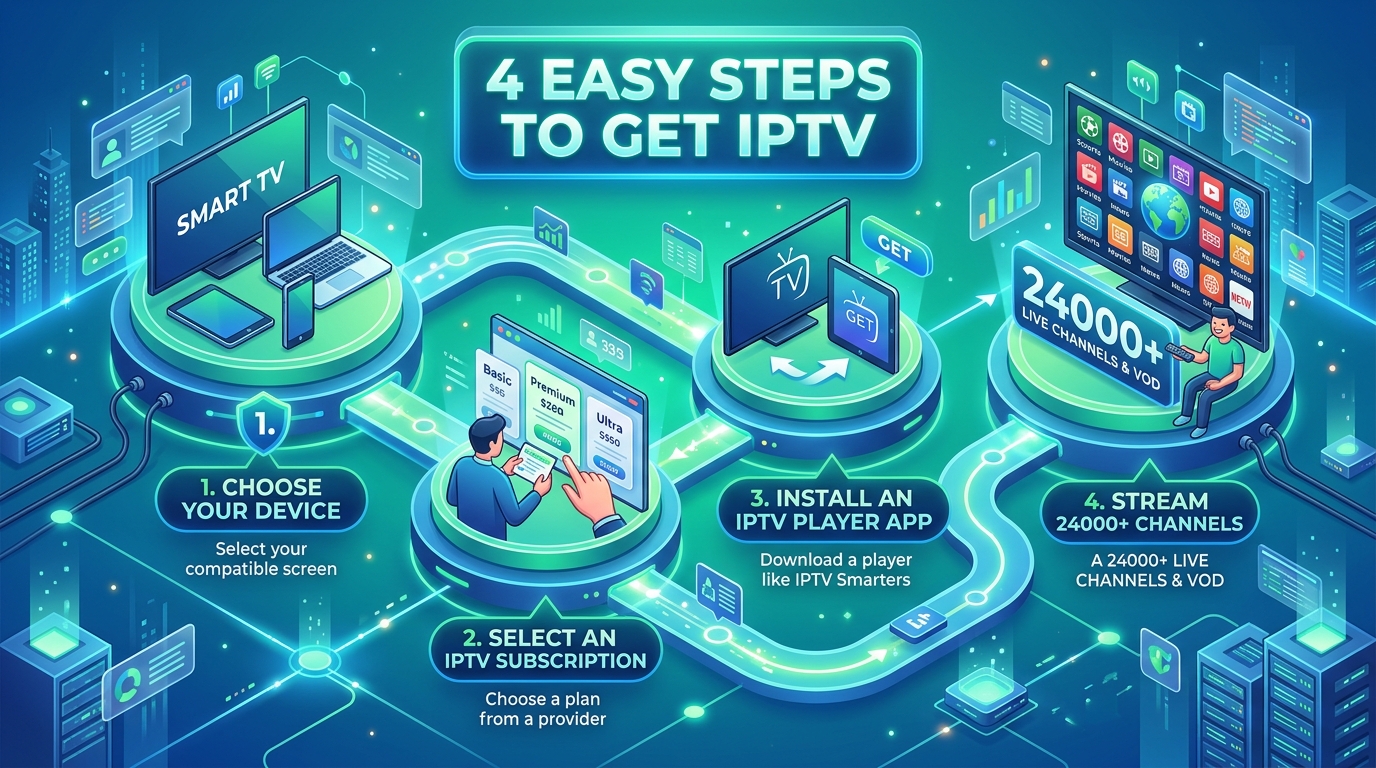
If you are asking "how do I set up IPTV?", you are just a few minutes away from unlocking over 24,000 live TV channels, all major American sports packages, local news across all 50 states, and 110,000+ on-demand movies.
Setting up Internet Protocol Television (IPTV) does not require hiring a technician, running coaxial cables through your walls, or renting expensive cable boxes. Whether you are using an Amazon Firestick, a Samsung or LG Smart TV, an Android TV box, or an Apple device, configuring IPTV is fast, straightforward, and beginner-friendly.
In this ultimate installation tutorial, we break down how do I set up IPTV step-by-step for every major device, explain player app configurations, and share pro tips to achieve crystal-clear 4K 60FPS streaming with zero buffering.
What Do I Need Before I Set Up IPTV? (Prerequisites Checklist)
Before beginning the installation process, ensure you have these three fundamental items ready:
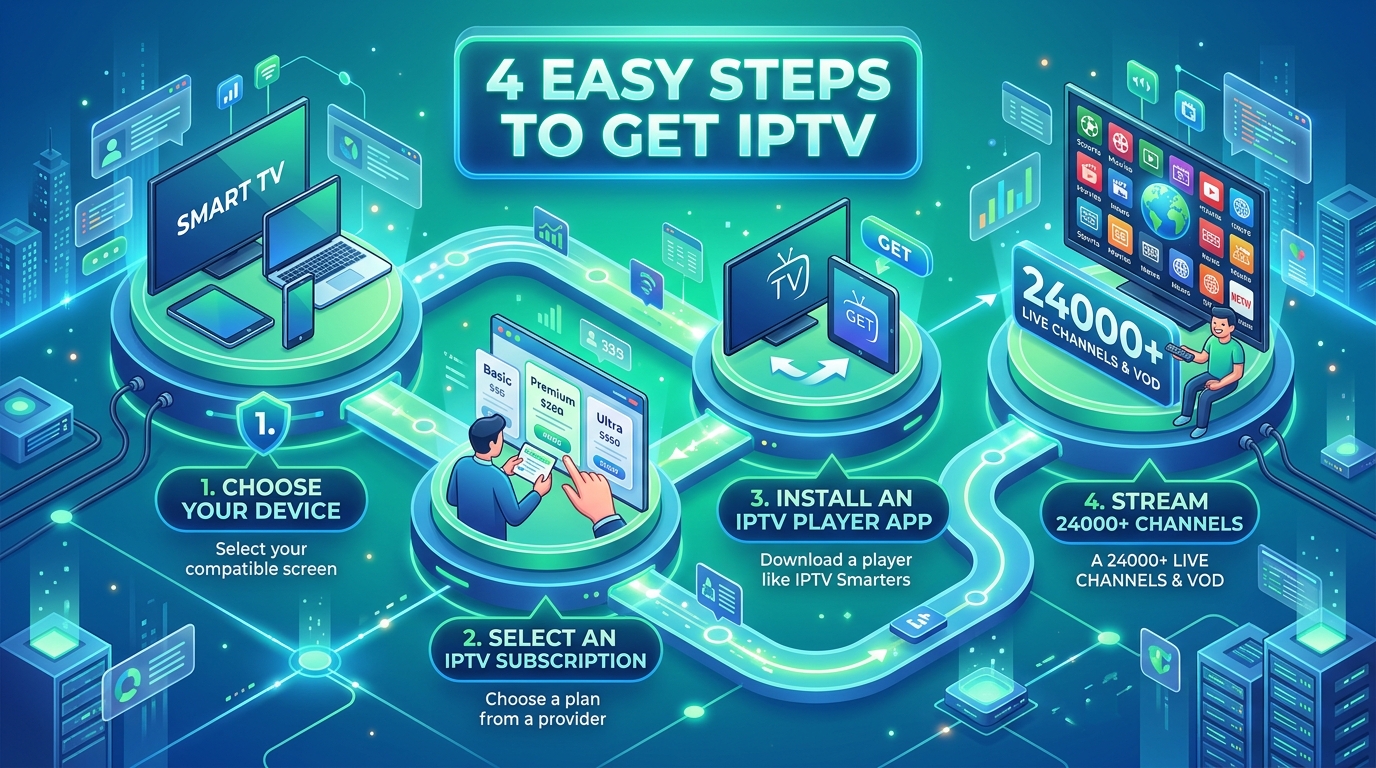
1. A Compatible Streaming Device
You can set up IPTV on any of the following hardware platforms:
2. High-Speed Broadband Internet
Because IPTV streams high-bitrate video in real time:
3. Your IPTV Subscription Credentials
When you order an IPTV subscription, you receive instant digital activation credentials:
How Do I Set Up IPTV on an Amazon Firestick? (Step-by-Step)
Amazon Fire TV devices are the most popular IPTV hardware in the United States. Follow these 4 easy steps:
Step 1: Install the Downloader App
Step 2: Enable Developer Options on Firestick
Step 3: Download Your IPTV Player (Smarters or TiviMate)
Step 4: Enter Your Login Credentials
IPTV USA), your Username, Password, and Server URL from your activation email.How Do I Set Up IPTV on Samsung & LG Smart TVs?
If you prefer not to purchase an external streaming stick, you can set up IPTV directly on your Samsung Tizen or LG webOS Smart TV:
Step 1: Download IBO Player or Smart IPTV
Step 2: Retrieve Your Device Identifiers
Step 3: Link Your Playlist
Step 4: Restart Your TV App
Close and reopen the application on your Samsung or LG TV to start watching 24,000+ live channels immediately.
How Do I Set Up IPTV on Android TV & Google TV?
Smart TVs running Google TV or Android TV OS (Sony, TCL, Hisense, Chromecast with Google TV, and Nvidia Shield) offer the simplest setup process:
How Do I Set Up IPTV on Apple TV, iPhone & iPad?
Apple users can enjoy native, hardware-accelerated IPTV streaming across all iOS and tvOS devices:
How Do I Set Up IPTV on Windows PC & Mac?
To watch IPTV on desktop and laptop computers:
Option A: IPTV Smarters Desktop Application
Option B: VLC Media Player
Ctrl + L (or Cmd + L on Mac) to toggle the channel playlist window.Best Settings: How Do I Optimize IPTV for Zero Buffering?
To achieve maximum streaming performance and eliminate buffering during high-demand live sports events:
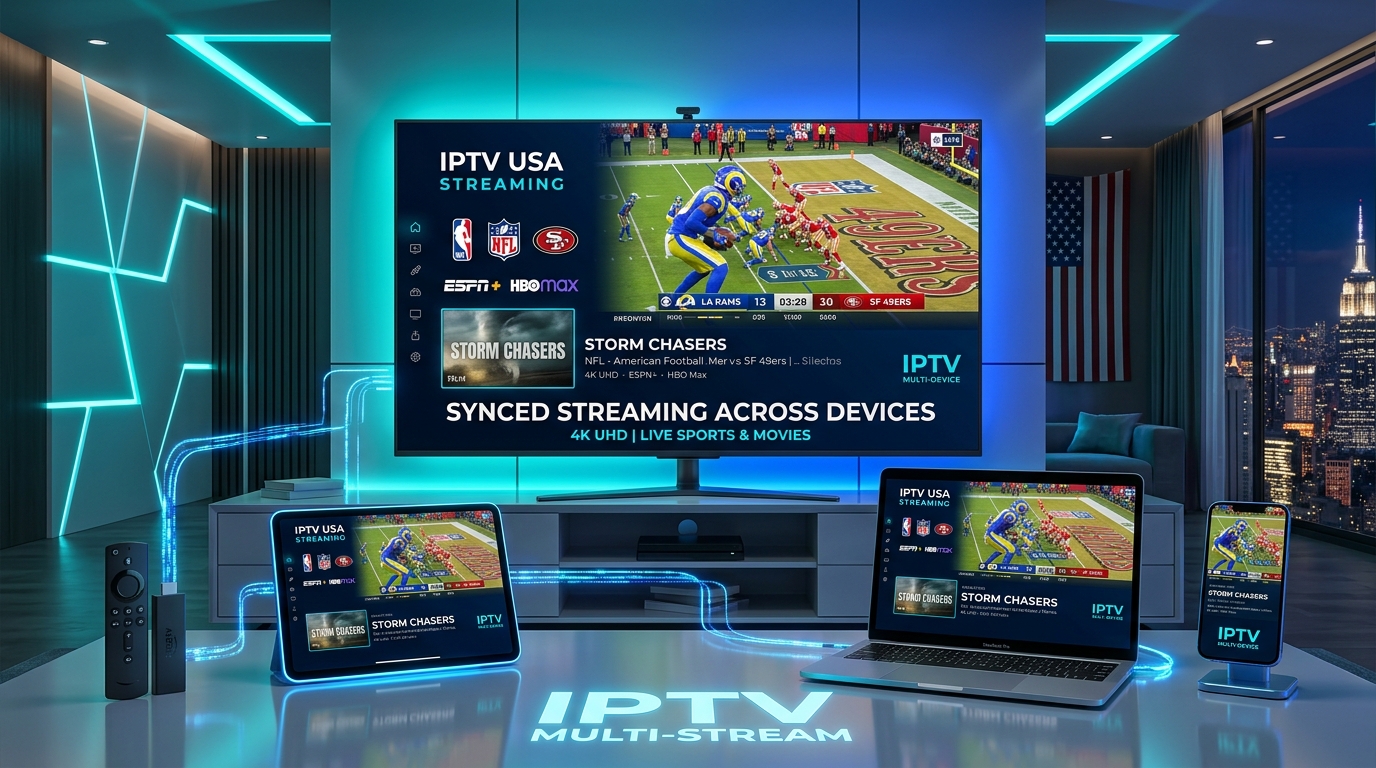
1. Configure Hardware Video Decoding (HW+)
Inside your IPTV player settings (such as TiviMate or IPTV Smarters), navigate to Playback Settings > Decoder and select Hardware (HW) or Hardware Plus (HW+). This offloads video rendering to your device's GPU, resulting in smoother 60FPS playback and lower CPU temperatures.
2. Adjust Stream Buffer Size
If your Wi-Fi fluctuates occasionally, increase the buffer size in your player settings:
3. Set Up a VPN to Prevent ISP Bandwidth Throttling
Major American Internet Service Providers (like Comcast Xfinity, Spectrum, Cox, and AT&T) frequently monitor high-bandwidth video streams and deliberately throttle connection speeds during peak evening hours. Using a reliable VPN encrypts your traffic and prevents artificial ISP slowdowns.
Troubleshooting: How Do I Fix Common IPTV Setup Issues?
| Issue | Root Cause | Solution |
|---|---|---|
| "Authentication Failed" / "Invalid Details" | Typo in Username, Password, or Server URL | Re-type credentials carefully; ensure no accidental spaces before or after text. |
| "Cannot Connect to Server" | ISP blocking or incorrect port in Server URL | Verify internet connection, ensure http:// is included, and test with a VPN enabled. |
| "No EPG Data Found" | TV guide playlist needs manual refresh | In player settings, click EPG > Update EPG Data to reload 7-day program listings. |
| Stream Freezes Every 10-20 Seconds | Wi-Fi interference or ISP throttling | Switch to 5GHz Wi-Fi or Ethernet cable, and turn on your VPN. |
| App Crashes on Channel Load | Insufficient device RAM / Outdated app | Clear player app cache in device settings, or switch to a lighter player like TiviMate. |
Is Setting Up IPTV Legal in the USA?
Yes. Setting up and using IPTV technology is 100% legal in the United States. IPTV is a standard digital telecommunications protocol utilized globally by telecom providers, cable networks, and streaming services.
The legal framework surrounding streaming content is governed by copyright licensing under Title 17 of the U.S. Code and the Protecting Lawful Streaming Act (PLSA) of 2020.
For in-depth legal and technical analysis, explore our complete research library:
Frequently Asked Questions About Setting Up IPTV
How do I set up IPTV on my TV for the first time?
To set up IPTV on your TV for the first time: (1) Connect your streaming device (such as an Amazon Firestick 4K or Smart TV) to your Wi-Fi; (2) Download an IPTV player app like IPTV Smarters Pro or TiviMate; (3) Open the app and select 'Login with Xtream Codes API'; (4) Enter your Server URL, Username, and Password from your activation email. Your 24,000+ live channels and TV guide will load automatically.
How do I set up IPTV on an Amazon Firestick?
To set up IPTV on a Firestick: (1) Install the Downloader app from the Amazon Appstore; (2) Go to Firestick Settings > My Fire TV > Developer Options and turn 'Install Unknown Apps' ON for Downloader; (3) Open Downloader and enter the download code for IPTV Smarters Pro or TiviMate; (4) Install the app, log in with your Xtream Codes API credentials, and start streaming.
How do I set up IPTV on a Samsung or LG Smart TV?
To set up IPTV on a Samsung or LG TV: (1) Open the Samsung Smart Hub or LG Content Store; (2) Search for and install IBO Player or Smart IPTV; (3) Launch the app to view your unique Device ID and Device Key; (4) Enter these codes on the player's web portal along with your M3U playlist link, or send your ID to 24/7 support for instant remote activation.
How do I set up IPTV Smarters Pro?
To set up IPTV Smarters Pro: (1) Download the app on your device; (2) Open the app and select 'Login with Xtream Codes API'; (3) Enter any Profile Name, your Username, Password, and Server URL; (4) Click 'Add User'. The app will download your live TV channels, movies, and series with full EPG schedules.
How do I set up TiviMate IPTV Player?
To set up TiviMate: (1) Install TiviMate from the Google Play Store on Android TV or via Downloader on Firestick; (2) Open TiviMate and click 'Add Playlist'; (3) Select 'Xtream Codes', input your Server URL, Username, and Password; (4) Click 'Next' and 'Done' to load the full cable-style Electronic Program Guide (EPG).
Why is my IPTV playlist not loading during setup?
If your IPTV playlist fails to load, verify that: (1) You entered the Server URL, Username, and Password exactly as shown in your activation email (check for trailing spaces or uppercase/lowercase errors); (2) Your internet connection is active and delivering at least 25 Mbps; (3) Your subscription is currently active.
How do I set up a VPN with IPTV?
To set up a VPN with IPTV: (1) Install a reputable VPN app (such as ExpressVPN, NordVPN, or Surfshark) directly on your Firestick, Smart TV, or mobile device; (2) Open the VPN and connect to a fast US server location; (3) Launch your IPTV player app. The VPN will encrypt your connection and prevent ISP bandwidth throttling.
How long does it take to set up IPTV?
Setting up IPTV takes between 3 to 5 minutes from start to finish. Once you receive your instant activation credentials via email, downloading the player app and entering your login takes just a few minutes.
Ready to Set Up IPTV Today?
Now that you know how do I set up IPTV, you can complete your installation in minutes and start streaming 24,000+ live channels, 110,000+ movies, and 4K live sports.
Stream Over 24,000+ Channels with Zero Buffering
Enjoy high-speed 4K & FHD streaming powered by Anti Freeze 9.3 servers. Compatible with Firestick, Smart TVs, Android, iOS, and PC with instant 5-minute activation.