How to Set Up IPTV: The Ultimate Step-by-Step Installation Guide (2026)
Learn how to set up IPTV in 4 simple steps. Discover the complete installation walkthrough for Amazon Firestick, Samsung & LG Smart TVs, Android, and Apple devices in under 5 minutes.
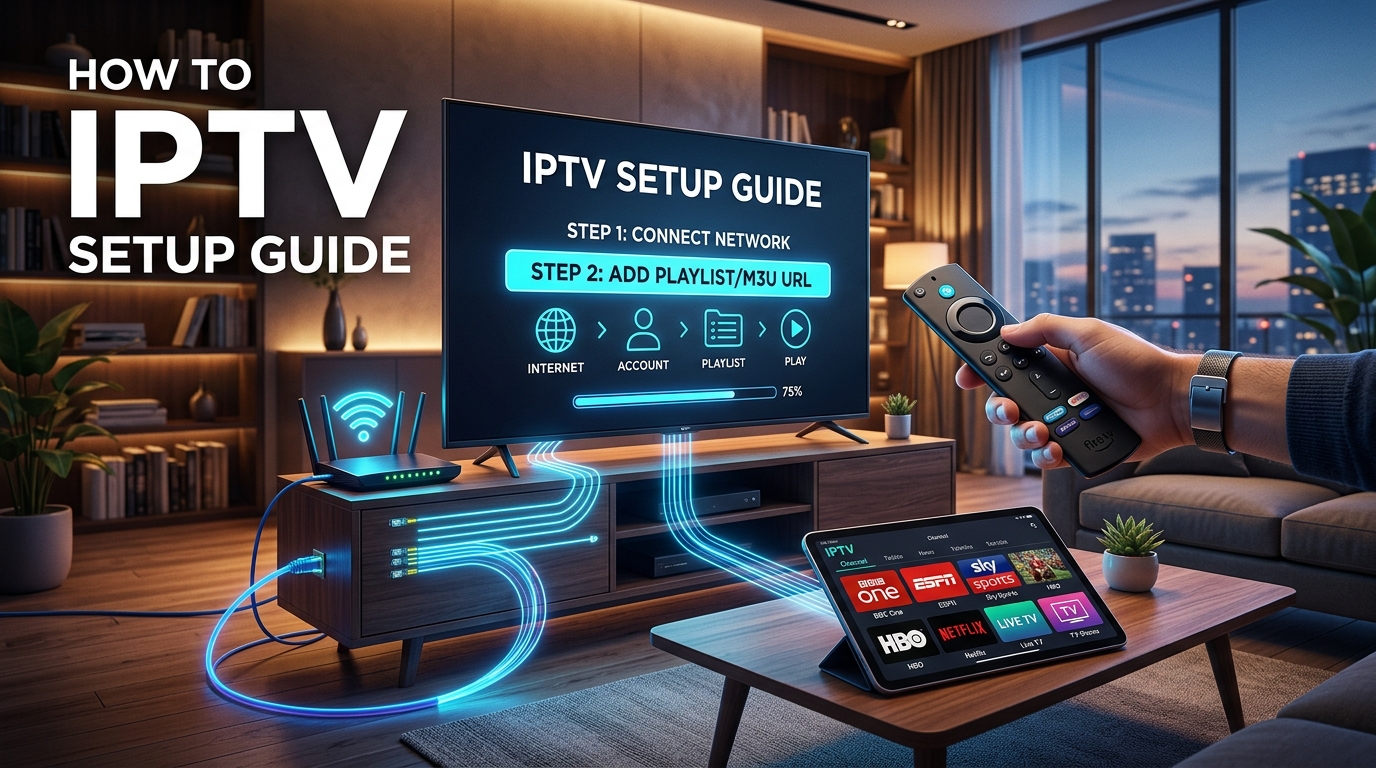
If you are looking for how to set up IPTV, you are taking the final step toward replacing expensive cable bills with thousands of live TV channels, high-definition sports packages, and on-demand movies at a fraction of the cost.
Unlike traditional cable and satellite television—which requires scheduling a technician visit, leasing expensive set-top boxes, and running coaxial cables through your living room—setting up IPTV takes less than 5 minutes on hardware you already own.
Whether you are configuring an Amazon Firestick 4K, a Samsung or LG Smart TV, an Android TV box, or an Apple device, this ultimate step-by-step tutorial explains how to set up IPTV from start to finish with zero technical confusion.
What Do You Need Before Setting Up IPTV? (Prerequisites)
Before starting the setup process, ensure you have these three fundamental components ready:
1. A Compatible Streaming Device
IPTV functions across virtually any modern digital screen:
2. High-Speed Broadband Internet Connection
To ensure smooth live streaming in Full HD and 4K 60FPS:
3. Your Active IPTV Subscription Credentials
When you order an IPTV subscription, you receive instant digital activation credentials:
The Universal 4-Step Process: How to Set Up IPTV
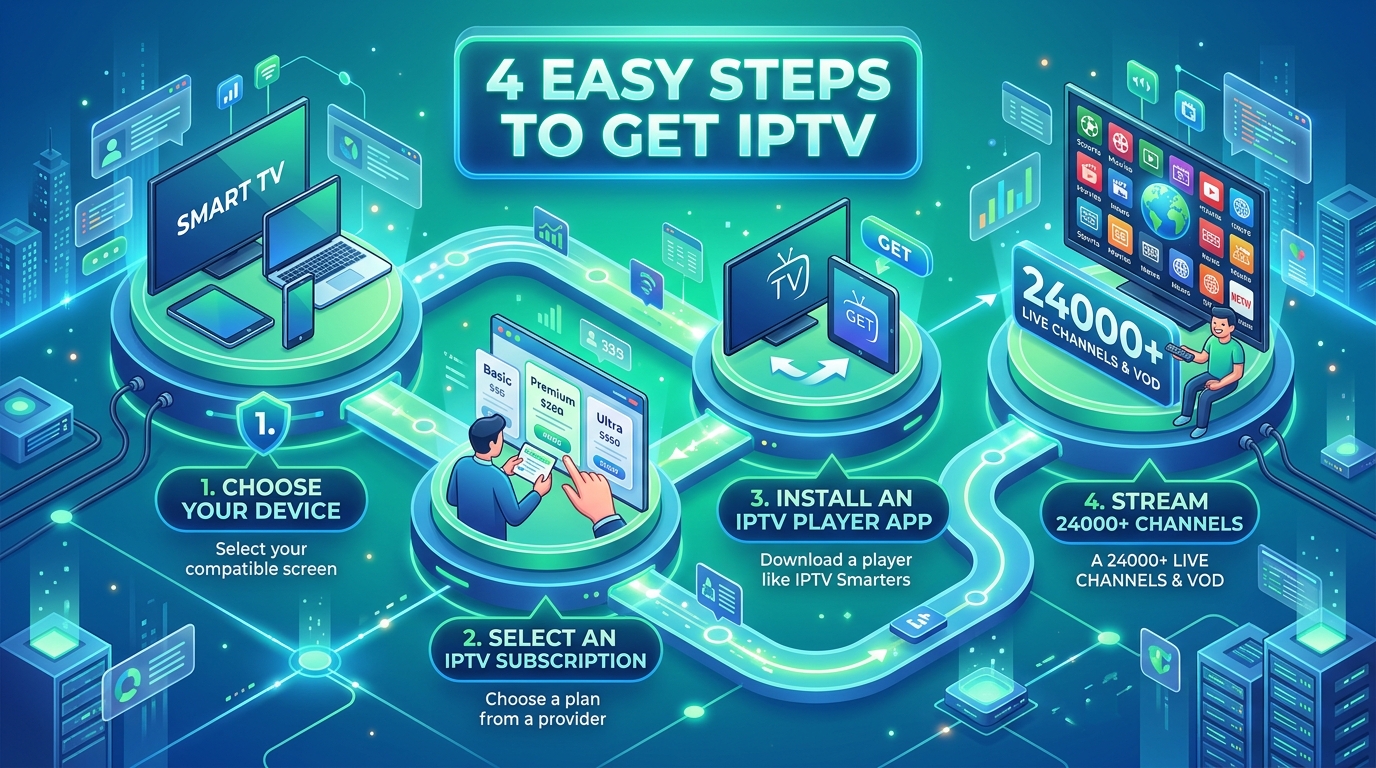
Follow these four core steps to get IPTV running on any device in under 5 minutes:
Step 1: Select Your IPTV Subscription Package
Choose a subscription tier based on your viewing needs:
Browse our complete IPTV USA pricing tiers and packages.
Step 2: Choose Your IPTV Player Application
An IPTV service provides the stream feeds, but you need a software application to navigate channels, view program schedules, and watch video. The top recommended player apps include:
| IPTV Player App | Supported Platforms | Standout Strengths | Best Suited For |
|---|---|---|---|
| IPTV Smarters Pro | Firestick, Android, iOS, Windows, Mac | Simple interface, VOD organizer, multi-screen | Best All-Around Multi-Device App |
| TiviMate IPTV Player | Android TV, Google TV, Fire TV | Cable-box interface, multi-view, recording | Best Living Room TV Experience |
| IBO Player | Samsung Tizen, LG webOS, Android | Direct Smart TV store download, fast channel zap | Best for Samsung & LG Smart TVs |
| XCIPTV Player | Android TV, Fire TV, Android Boxes | Clean dual-player engine, modern dashboard | Best Simplified Interface |
| IPTVX | Apple TV 4K, iPhone, iPad | Apple Liquid UI, iCloud sync, Dolby Audio | Best for Apple Ecosystem |
Step 3: Install the App on Your Device
Install your chosen player app via your device's official app store (Google Play, Apple App Store, Samsung Smart Hub, LG Content Store) or via the Downloader utility on Firestick.
Step 4: Enter Your Login Credentials & Start Streaming
Open the installed IPTV player, select Login with Xtream Codes API, and enter:
IPTV USA)http://server-domain.com:8080)Click Add User or Login. The player will automatically synchronize 24,000+ live TV channels, sports categories, and movies with complete EPG schedules within 30 seconds.
Device-by-Device Setup Tutorials: How to Set Up IPTV on Any Screen
Follow these detailed, device-specific instructions to configure IPTV on your preferred screen. For in-depth visual guides, visit our dedicated setup tutorials hub.
How to Set Up IPTV on Amazon Firestick & Fire TV
Amazon Fire TV devices are the most popular hardware for IPTV due to their high speed, portability, and expansive app ecosystem.
On your Firestick home screen, click Find > Search, type Downloader*, and install the orange Downloader app.
Go to Firestick Settings (gear icon) > My Fire TV > Developer Options*.
Toggle Install Unknown Apps for Downloader to ON*.
(Note: If Developer Options is hidden on newer Fire OS updates, go to Settings > My Fire TV > About, highlight your Firestick name, and click the center button on your remote 7 times rapidly until a prompt says "You are now a developer.")
Open the Downloader app and enter the short download code or URL for IPTV Smarters Pro or TiviMate*.
Click Go, wait for the APK file to download, and click Install*.
Open the app, select Login with Xtream Codes API*, enter your credentials, and enjoy instant 4K live TV streaming.
How to Set Up IPTV on Samsung & LG Smart TVs
If you prefer not to purchase an external streaming stick, you can set up IPTV directly on your Samsung Tizen or LG webOS Smart TV:
Open the Samsung Smart Hub (Apps) or LG Content Store* on your television.
Search for IBO Player (recommended for speed) or Smart IPTV and click Install*.
* Launch the application on your TV screen.
Note down the Device ID and Device Key* (or MAC address) displayed on your screen.
* Open the player management portal on your computer or smartphone browser.
Input your TV's Device ID and Key, then paste your M3U Playlist URL* or Xtream Codes details.
* Alternatively, send your Device ID to our 24/7 live support team for instant remote activation.
* Restart the app on your Samsung or LG TV to enjoy immediate 4K streaming.
How to Set Up IPTV on Android TV, Google TV & Nvidia Shield
Smart TVs running Google TV or Android TV OS (Sony, TCL, Hisense, Philips, Chromecast with Google TV) offer the easiest setup:
How to Set Up IPTV on Apple TV, iPhone & iPad (iOS / tvOS)
Apple users can enjoy sleek, hardware-accelerated IPTV streaming through dedicated App Store clients:
How to Set Up IPTV on Windows PC & Mac
Watching IPTV on desktop and laptop computers is great for multitasking or traveling:
Download and install VLC Media Player* (free & open-source).
Open VLC, click Media (top menu) > Open Network Stream*.
Paste your M3U Playlist URL and press Play*.
* Press Ctrl + L (or Cmd + L on Mac) to toggle the channel playlist window.
Best Settings: How to Optimize IPTV Playback for Zero Buffering
To ensure your IPTV streams load instantly with zero stuttering or buffering during high-demand live sports events, configure these player settings:
1. Enable Hardware Video Decoding (HW / HW+)
Inside your IPTV player settings (such as TiviMate or IPTV Smarters), navigate to Playback Settings > Decoder and select Hardware (HW) or Hardware Plus (HW+). This offloads video rendering to your device's GPU, resulting in smoother 60FPS playback and lower device temperatures.
2. Adjust Stream Buffer Size
If your Wi-Fi fluctuates occasionally, increase the buffer size in your player settings:
3. Use a VPN to Stop ISP Bandwidth Throttling
Major American Internet Service Providers (like Comcast Xfinity, Spectrum, Cox, and AT&T) frequently monitor high-bandwidth video streams and deliberately throttle connection speeds during peak evening hours. Using a reliable VPN encrypts your traffic and prevents artificial ISP slowdowns.
Troubleshooting: How to Fix Common IPTV Setup Issues
| Issue | Likely Cause | Quick Fix |
|---|---|---|
| "Authentication Failed" | Typo in Username, Password, or Server URL | Re-type credentials carefully; ensure no accidental spaces before or after text. |
| "Cannot Connect to Server" | ISP blocking or incorrect port in Server URL | Verify internet connection, ensure http:// is included, and test with a VPN enabled. |
| "No EPG Data Found" | TV guide playlist needs manual refresh | In player settings, click EPG > Update EPG Data to reload 7-day program listings. |
| Stream Freezes Every 10-20 Seconds | Wi-Fi interference or ISP throttling | Switch to 5GHz Wi-Fi or Ethernet cable, and turn on your VPN. |
| App Crashes on Channel Load | Insufficient device RAM / Outdated app | Clear player app cache in device settings, or switch to a lighter player like TiviMate. |
Is Setting Up IPTV Legal in the USA?
Yes. Setting up and using IPTV technology is 100% legal in the United States. IPTV is a standard digital telecommunications protocol utilized globally by telecom providers, cable networks, and streaming services.
The legal framework surrounding streaming content is governed by copyright licensing under Title 17 of the U.S. Code and the Protecting Lawful Streaming Act (PLSA) of 2020.
For in-depth legal and technical analysis, explore our complete research library:
Frequently Asked Questions About Setting Up IPTV
How do you set up IPTV on a streaming device for beginners?
Setting up IPTV for beginners involves 4 simple steps: (1) Choose an IPTV subscription plan from a verified provider like IPTV USA; (2) Download a free IPTV player app like IPTV Smarters Pro or TiviMate on your Firestick, Smart TV, or Android device; (3) Open the app, select 'Login with Xtream Codes API', and enter your Username, Password, and Server URL; (4) Click 'Login' to load 24,000+ live channels and 110,000+ VOD movies automatically.
How do I set up IPTV on an Amazon Firestick 4K?
To set up IPTV on a Firestick: (1) Install the Downloader app from the Amazon Appstore; (2) Go to Settings > My Fire TV > Developer Options and turn 'Install Unknown Apps' ON for Downloader; (3) Open Downloader and enter the quick download code for IPTV Smarters Pro or TiviMate; (4) Install the app, log in with your Xtream Codes API credentials, and start watching live TV.
How do I set up IPTV on Samsung and LG Smart TVs without a Firestick?
To set up IPTV directly on a Samsung or LG Smart TV: (1) Open your TV's native app store (Samsung Smart Hub or LG Content Store); (2) Search for and install IBO Player or Smart IPTV; (3) Launch the app to view your Device ID and Device Key; (4) Upload your M3U playlist link to the player's web portal, or send your Device ID to our 24/7 support team for instant remote activation.
What is the difference between Xtream Codes API and M3U playlist setup?
Xtream Codes API requires entering only three pieces of information: Server URL, Username, and Password. It automatically synchronizes live TV categories, VOD movies, series, and the Electronic Program Guide (EPG). M3U playlist setup requires copying a longer URL string into your player app. Xtream Codes API is faster, less prone to typos, and recommended for most users.
What internet speed do I need to set up IPTV without buffering?
For standard high-definition (HD 1080p) live TV streaming, an internet download speed of 15 to 25 Mbps is recommended. For seamless 4K Ultra HD and 60FPS live sports streaming with zero buffering, we recommend a broadband connection speed of 35 Mbps or higher.
Why is my IPTV player showing 'Authorization Failed' during setup?
An 'Authorization Failed' or 'Invalid Details' error is almost always caused by a typo in your login information. Double-check that your Username, Password, and Server URL match your activation email exactly, ensuring there are no accidental spaces before or after the text.
Do I need a VPN when setting up IPTV in the USA?
While IPTV USA operates on private encrypted 10Gbps servers with Anti Freeze 9.3 protocols, using a VPN is recommended for US streamers. A VPN prevents major American ISPs (Comcast Xfinity, Spectrum, AT&T) from throttling bandwidth during high-traffic live sporting events.
How long does it take to set up IPTV from start to finish?
Setting up IPTV takes between 3 to 5 minutes. Once you receive your instant activation credentials via email upon ordering, installing your chosen player app and logging in takes just a few minutes.
Ready to Set Up IPTV Today?
Now that you know how to set up IPTV, you can complete your installation in minutes and start streaming 24,000+ live channels, 110,000+ movies, and 4K live sports.
Stream Over 24,000+ Channels with Zero Buffering
Enjoy high-speed 4K & FHD streaming powered by Anti Freeze 9.3 servers. Compatible with Firestick, Smart TVs, Android, iOS, and PC with instant 5-minute activation.