IP Television: The 2026 Complete Guide to Modern IP TV Broadcasting & Streaming
The authoritative 2026 technical and buyer's guide to IP Television. Discover how packet-switched television delivers 35,000+ live 4K channels, streaming protocols, top player apps, and step-by-step setup.
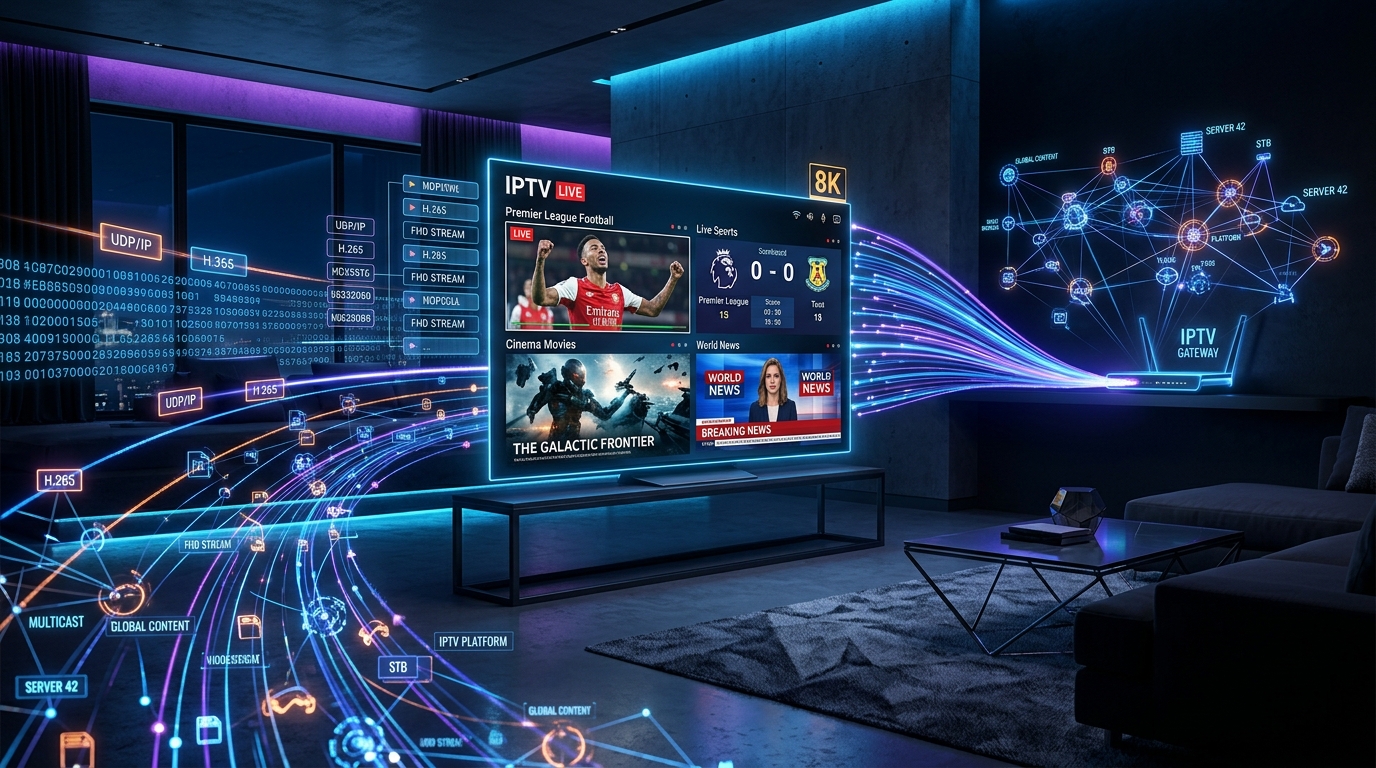
# IP Television: The 2026 Complete Guide to Modern IP TV Broadcasting & Streaming
The global entertainment landscape has undergone a monumental shift. For decades, home entertainment was tethered to proprietary coaxial cables, cumbersome satellite dishes mounted on rooftops, and overpriced multi-year carrier contracts. Today, IP Television (Internet Protocol Television) has decisively replaced legacy broadcast systems by delivering high-definition and 4K video content directly over packet-switched broadband networks.
Whether you are a cord-cutter seeking to slash your monthly bills while accessing over 35,000+ live 4K channels and 150,000+ on-demand titles, or an AV enthusiast eager to understand the technical protocols and network architecture powering modern digital television, this definitive 2026 guide covers everything you need to know about IP Television.
1. What is IP Television? Fundamentals & Architectural Shift
IP Television (IPTV) is the transmission of television programming, live sports, pay-per-view events, and video-on-demand (VOD) over Internet Protocol (IP) networks. Instead of receiving video signals via light pulses over copper coaxial cables (QAM) or radio frequency waves beamed from geostationary satellites (DVB-S2), IP Television packages video and audio data into standardized TCP/IP and UDP/IP packets.
The Core Difference: Push vs. Pull Architecture
To understand why IP Television is superior, consider how data travels:
2. Key Components of the IP Television Infrastructure
A modern, enterprise-tier IP Television provider like IPTVUSA operates a sophisticated, multi-layered digital video distribution pipeline designed for ultra-low latency and 99.9% uptime.
A. Live Video Ingestion & Encoding Matrix
Live broadcast feeds are captured from primary satellite downlinks, terrestrial fiber backbones, and direct studio SDI feeds. These raw feeds are processed through high-density hardware encoders utilizing modern video codecs:
B. Middleware & Database Architecture
The middleware functions as the brain of the IP Television network. It handles user authentication (via Xtream Codes API, MAC address binding, or OAuth), processes Electronic Program Guide (EPG) XMLTV aggregation, tracks subscriber entitlements, and dynamically orchestrates stream distribution.
C. CDN Edge Node Caching & AntiFreeze 10.0
To prevent buffering during massive live sporting events (such as the Super Bowl, UEFA Champions League finals, or UFC pay-per-views), top-tier providers deploy globally distributed Content Delivery Networks (CDNs). IPTVUSA incorporates proprietary AntiFreeze 10.0 Technology, utilizing AI-driven traffic re-routing and edge server load balancing to eliminate packet loss and jitter even during peak international traffic spikes.
3. Core Protocols Powering IP Television
Modern IP Television relies on several industry-standard networking protocols to package, transport, and decode video streams:
| Protocol | Full Name | Primary Use Case | Key Strength |
|---|---|---|---|
| HLS | HTTP Live Streaming | Live TV, Smart TVs, Mobile, Apple ecosystem | Adaptive Bitrate (ABR), firewall friendly, HTTP/HTTPS traversal |
| MPEG-DASH | Dynamic Adaptive Streaming over HTTP | Android TV, Smart TVs, Web Browsers | Codec agnostic, international ISO standard, seamless bit-rate switching |
| MPEG-TS over HTTP | MPEG Transport Stream | TiviMate, IPTV Smarters, Set-Top Boxes | Minimal container overhead, ultra-fast channel zapping speeds |
| RTSP / RTP | Real-Time Streaming Protocol | Legacy set-top boxes, carrier IPTV | Direct low-latency session control |
| SRT | Secure Reliable Transport | Live feed contribution & broadcast backhaul | Packet loss recovery across unmanaged public internet |
4. IP Television vs. Traditional Cable, Satellite & Terrestrial TV
Comparing IP Television with legacy delivery formats highlights why millions of households globally are abandoning traditional pay-TV subscriptions:
| Feature & Capability | Modern IP Television (IPTVUSA) | Traditional Cable (Comcast, Spectrum) | Satellite TV (DirecTV, Dish) | Digital Antenna (OTA / ATSC) |
|---|---|---|---|---|
| Monthly Cost | $12 - $15 / month | $120 - $220 / month | $110 - $190 / month | Free after antenna purchase |
| Channel Selection | 35,000+ Global Channels | 150 - 300 Local/National | 200 - 350 Channels | 15 - 45 Local Channels |
| Video on Demand (VOD) | 150,000+ Movies & Series | Limited / Extra PPV cost | Limited PPV library | None |
| Hardware Requirements | Any Smart TV, Firestick, Apple TV | Rented proprietary set-top box ($15/mo each) | Satellite dish + rented box | Coaxial antenna |
| Contract Commitments | None (Pay-as-you-go) | 12 - 24 Month Contracts | 24 Month Contracts | None |
| Portability | Stream anywhere worldwide | Home cable connection only | Fixed home dish installation | Fixed home antenna only |
| Weather Resistance | 100% immune to rain/snow | Vulnerable to line cuts | High rain fade / signal loss | High atmospheric interference |
5. Hardware Ecosystem: Best Devices for IP Television
One of the greatest benefits of IP Television is hardware freedom. You do not need to lease expensive equipment from a telecom provider. Here are the top hardware devices for streaming IP Television in 2026:
1. Dedicated Android TV / Google TV Streaming Devices
2. Apple Ecosystem (Apple TV 4K)
3. Integrated Smart TVs (Samsung, LG, Sony, TCL, Hisense)
4. Dedicated IPTV Set-Top Boxes
6. Top Player Applications for IP Television
An IP Television subscription provides the high-speed data stream (channels, movies, and EPG), while an IP Television player application renders that content on your screen with a gorgeous, user-friendly interface:
1. TiviMate IPTV Player (Best for Android & Firestick)
TiviMate remains the undisputed champion of IP Television players. It features a modern, cable-style TV guide, multi-screen viewing (watch up to 9 live sports matches simultaneously), custom channel grouping, automatic EPG updates, and cloud backup.
2. IPTV Smarters Pro (Best Cross-Platform App)
Compatible with Android, iOS, Windows PC, Mac, Samsung Tizen, LG webOS, and Fire TV. Offers a clean, intuitive dashboard dividing Live TV, Movies, Series, and Catch-up TV with built-in multi-language subtitle support.
3. IBO Player Pro (Best for Samsung & LG Smart TVs)
A fast, lightweight, and responsive player engineered specifically for Samsung Tizen and LG webOS televisions. Features smooth 4K 60fps playback, fast channel switching, and simple playlist activation via MAC address or QR code.
7. Step-by-Step Setup Guide: How to Configure IP Television in 5 Minutes
Setting up your IP Television service is fast and straightforward. Follow these steps to begin streaming:
Step 1: Install Your Preferred Player App
On your Smart TV, Firestick, or Apple TV, open the official app store (Google Play Store, Amazon Appstore, LG Content Store, or Apple App Store) and download your preferred player (e.g., IPTV Smarters Pro, TiviMate, or IBO Player Pro).
Step 2: Choose Your Connection Method
When launching the app, you will be prompted to add a playlist. You can choose between two primary methods:
Step 3: Optimize Playback Settings
8. Network Optimization: Ensuring Zero Buffering on IP Television
To guarantee a flawless 4K streaming experience with zero buffering, follow these network best practices:
9. Why IPTVUSA is the #1 Rated IP Television Provider in 2026
When choosing an IP Television provider, server reliability, channel diversity, and customer support are paramount. IPTVUSA is engineered from the ground up for high-demand viewers:
10. Frequently Asked Questions (FAQs)
Is IP Television legal to use?
Yes, IP Television technology itself is completely legal and widely used by major telecommunications and broadcasting companies worldwide. When using an IP Television service, always ensure you choose a reputable provider that delivers reliable, premium streaming feeds.
Can I use my IP Television subscription on multiple devices?
Yes! With IPTVUSA, you can configure your subscription across all your personal devices—including living room Smart TVs, bedroom streaming sticks, tablets, and smartphones. Multi-connection family packages are available for simultaneous viewing.
Will IP Television work with my existing internet connection?
Yes. IP Television operates seamlessly over any standard broadband connection (Fiber, Cable, DSL, 5G Home Internet, or Starlink Satellite Internet) with at least 15-25 Mbps speed.
How quickly will I receive my login credentials?
Activation is virtually instantaneous. Once you place your order via our secure checkout or connect with our WhatsApp concierge at +212 779-395271, your personalized Xtream Codes API credentials and M3U playlist link will be delivered within 3 to 5 minutes.
Get Started with the Ultimate IP Television Experience Today
Experience the future of digital television entertainment with crystal-clear 4K streams, zero buffering, and 24/7 dedicated support.
Stream Over 24,000+ Channels with Zero Buffering
Enjoy high-speed 4K & FHD streaming powered by Anti Freeze 9.3 servers. Compatible with Firestick, Smart TVs, Android, iOS, and PC with instant 5-minute activation.