IPTV 4K: The Complete Guide to Ultra HD Streaming, Bitrates & Best Setup (2026)
Experience true IPTV 4K Ultra HD streaming. Learn required internet speeds, HEVC/AV1 codecs, 60FPS live sports feeds, best 4K players, and how to eliminate buffering on Firestick, Apple TV & Smart TVs.
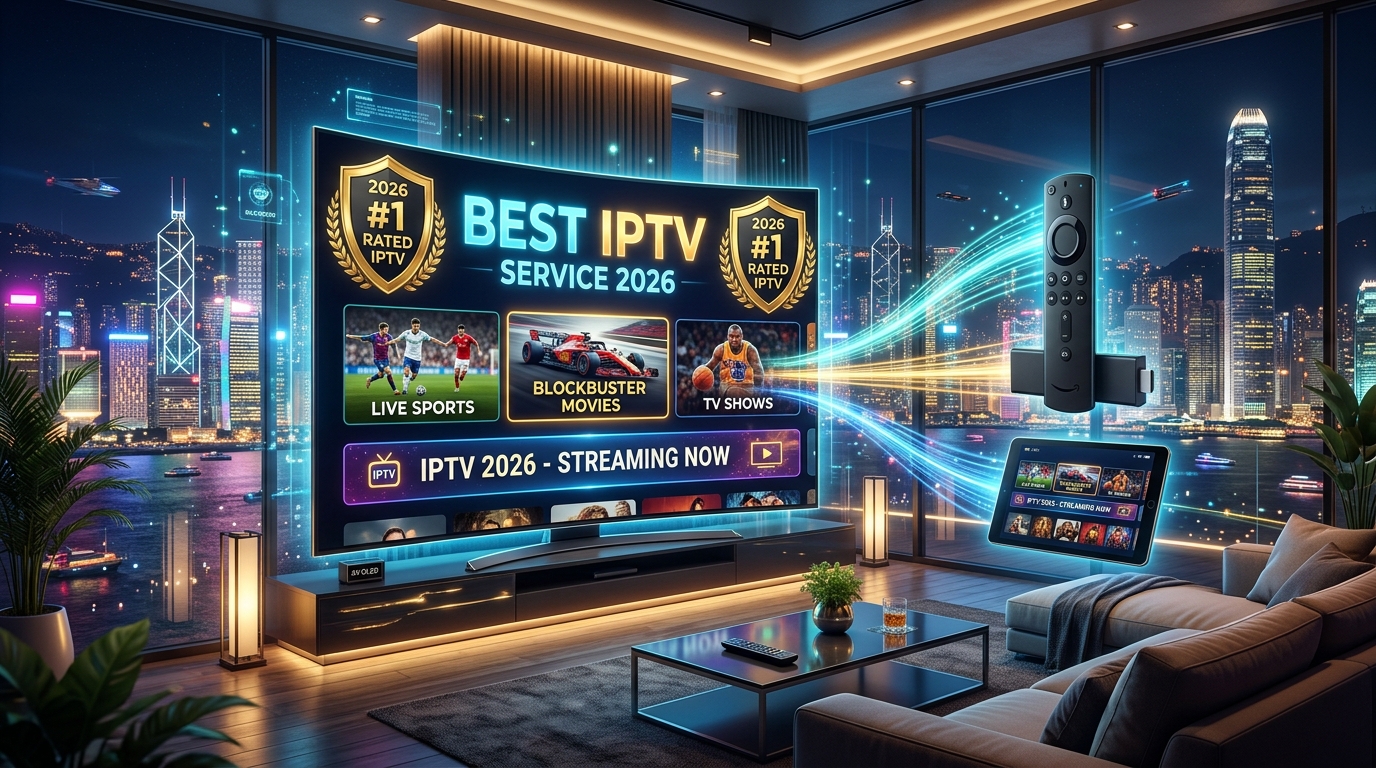
# IPTV 4K: The Complete Guide to Ultra HD Streaming, Bitrates & Best Setup (2026)
The era of grainy, standard-definition cable broadcasts and heavily compressed 720p feeds is officially over. Today's home entertainment centers feature massive 65-inch to 85-inch OLED, QLED, and Mini-LED displays capable of rendering billions of colors, razor-sharp textures, and blistering motion clarity. However, your premium screen is only as good as the stream feeding it.
This is where IPTV 4K (Ultra High Definition Internet Protocol Television) revolutionizes modern television. Delivering native 3840x2160 pixel resolution at fluid 60 frames per second (FPS), premium 4K IPTV streams bring the electric atmosphere of live stadiums, blockbuster cinema, and premium international channels directly into your living room at a fraction of the cost of traditional cable.
In this definitive 2026 technical guide, our streaming architecture team explains what constitutes true IPTV 4K, network speed and bitrate requirements, hardware compatibility, player optimization settings, and how to ensure 100% buffer-free Ultra HD playback.
What Makes "True" IPTV 4K? (Technical Deep Dive)
Not all services advertising "4K" deliver genuine Ultra HD feeds. Many low-tier providers simply upscale 1080i or 720p broadcasts to a 4K container without increasing the underlying visual data, resulting in blurry motion, pixelation, and artifacts.
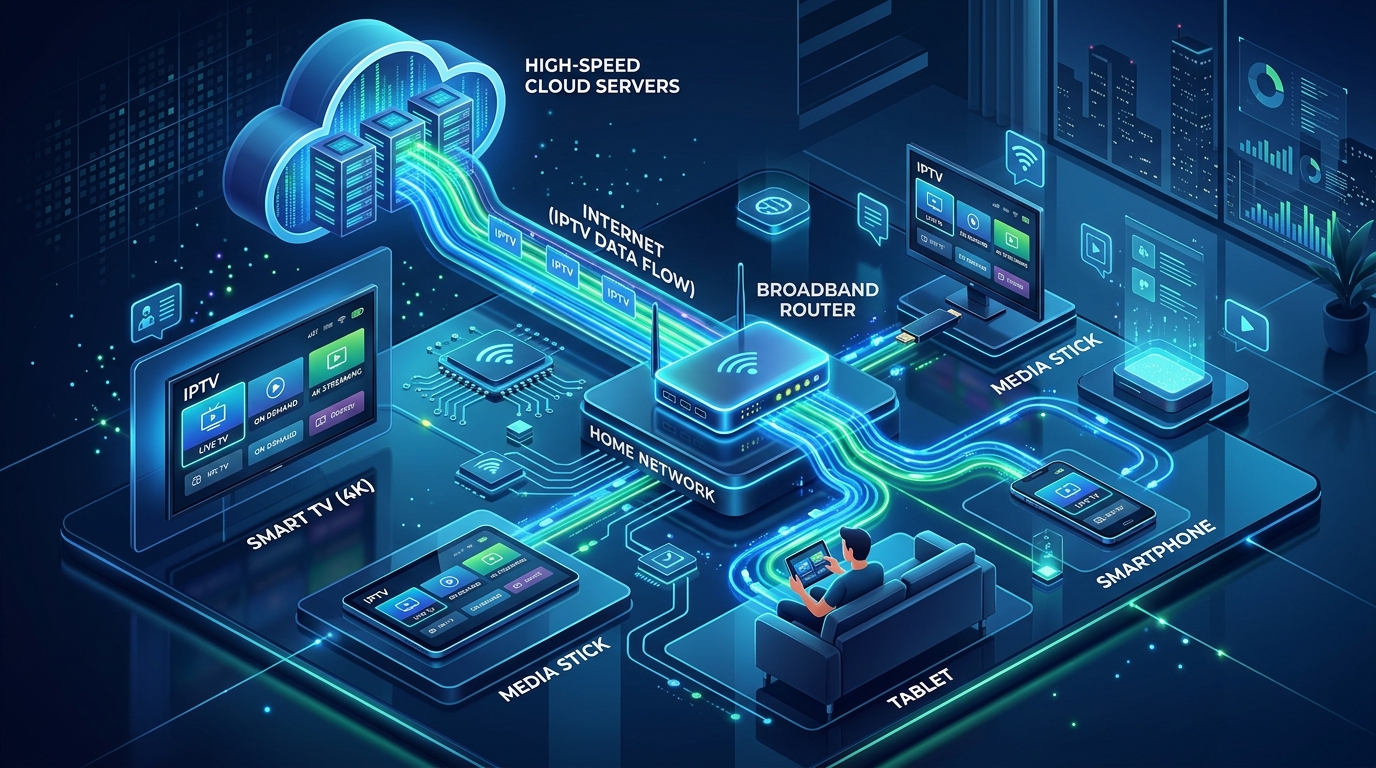
To experience authentic IPTV 4K, a provider must meet four foundational technical standards:
1. Native 3840 x 2160 Pixel Density
A genuine 4K stream delivers four times the pixel resolution of standard 1080p Full HD (over 8.29 million pixels vs. 2.07 million pixels). On screens 55 inches and larger, native 4K provides stunning depth, readable fine text on stadium scoreboards, and lifelike skin and grass textures.
2. Native 60 FPS (Frames Per Second) High-Motion Refresh
Standard broadcast television operates at 25 or 30 FPS, which causes noticeable motion judder and blur during fast-moving sports such as the NFL, Premier League, Formula 1, and NBA. True 4K IPTV feeds transmit at 60 FPS (or 59.94 FPS), ensuring silky-smooth motion where football trajectories and high-speed passes remain crisp and legible.
3. Advanced Video Codecs: HEVC (H.265) & AV1
Delivering 4K video requires efficient video compression codecs:
4. Dedicated CDN Bitrate Allocation (25–40 Mbps)
While heavily compressed OTT streaming apps crush 4K bitrates down to 12–15 Mbps to save server bandwidth, premium Tier-1 IPTV providers maintain high-bitrate dedicated pipelines (25 to 40 Mbps constant/variable bitrate) to preserve audio-visual integrity during peak viewer spikes.
Internet Speed & Bandwidth Requirements for IPTV 4K
One of the most frequent questions cord-cutters ask is: What internet speed do I need for IPTV 4K?
Because live 4K streams transmit uncompressed or lightly compressed video packets in real time without extensive multi-minute caching, stable bandwidth and low network jitter are critical.
| Household Streaming Scenario | Minimum Download Speed | Recommended Download Speed | Connection Type |
|---|---|---|---|
| 1 Active 4K Stream | 25 Mbps | 50 Mbps | 5 GHz Wi-Fi / Ethernet |
| 2 Simultaneous 4K Streams | 60 Mbps | 100 Mbps | Wi-Fi 6 or Gigabit Ethernet |
| 3–4 Simultaneous 4K Streams (Multi-Room) | 120 Mbps | 200+ Mbps | Gigabit Fiber / Cat6 Ethernet |
| 4K Sports + Online Gaming / Downloads | 150 Mbps | 300+ Mbps | Fiber Connection (<15ms Ping) |
Why Ping, Jitter, and Packet Loss Matter More Than Raw Speed
You can have a 500 Mbps connection, but if your Wi-Fi suffers from high packet loss or severe jitter (latency spikes over 40ms), your 4K stream will freeze and buffer. For seamless 4K IPTV:
Best 4K IPTV Streaming Devices & Hardware
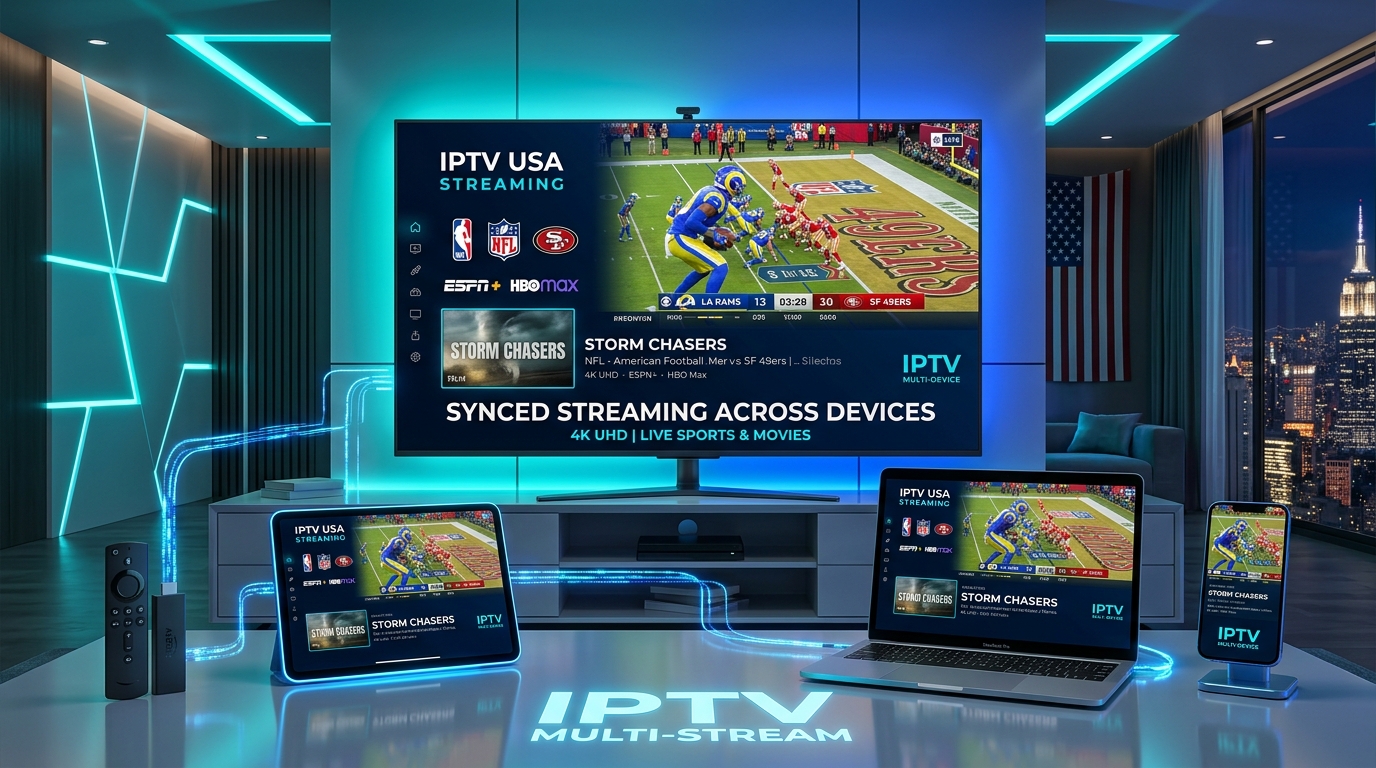
Hardware decoding capabilities vary significantly between devices. To decode high-bitrate H.265 4K 60FPS streams without frame drops or overheating, you need a modern media player equipped with dedicated GPU decoding hardware.
1. NVIDIA Shield TV Pro (The Undisputed Flagship)
2. Apple TV 4K (3rd Generation - A15 Bionic)
3. Amazon Fire TV Stick 4K Max (2nd Gen - Best Value)
4. Dedicated IPTV Android Boxes (Formuler Z11 Pro Max / BuzzTV)
Top 4K IPTV Players & Buffer-Free Configuration
Selecting the right IPTV player app and fine-tuning its internal video decoding engine is vital to unlocking true 4K performance.
1. TiviMate IPTV Player (Android TV / Fire OS)
Widely recognized as the gold standard IPTV client:
Settings > Playback and ensure Hardware or Hardware+ is selected for both Live TV and VOD.2. IPTV Smarters Pro / XCIPTV
4K Live Sports & Entertainment Lineup
What can you actually watch in genuine 4K on a premium IPTV service? At IPTV USA Pro, our dedicated 4K category features native Ultra HD feeds for global events and major leagues:
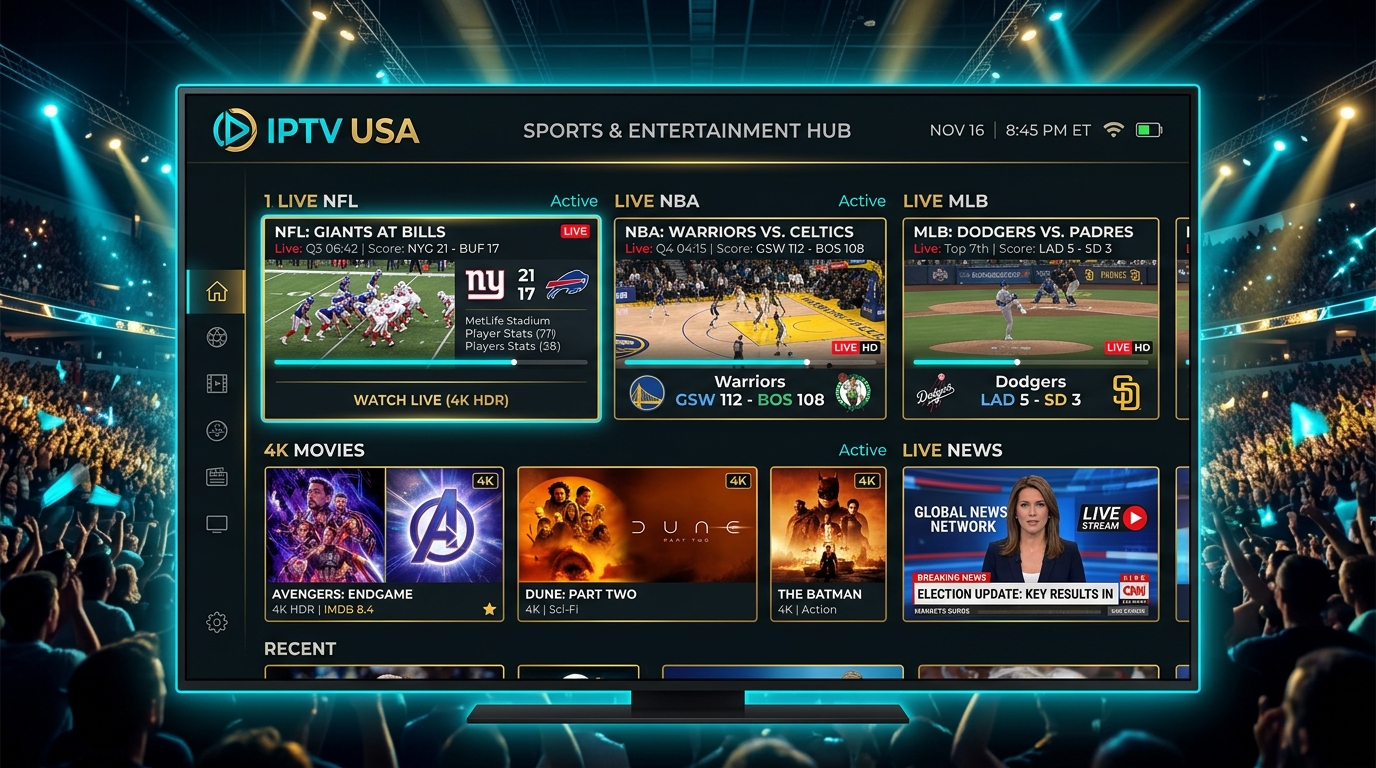
🏈 4K Live Sports Highlights
🎬 4K Movies & Video on Demand (VOD)
Cable 4K vs. Traditional OTT vs. IPTV 4K (2026 Comparison)
| Feature / Criteria | Traditional Cable (Comcast/DirecTV) | Mainstream OTT (YouTube TV / Hulu) | IPTV USA Pro 4K |
|---|---|---|---|
| Monthly Price | $120.00 – $220.00/mo | $85.00 – $110.00/mo (+$10 for 4K) | $14.99/mo (4K included) |
| 4K Channel Selection | 2–4 Special Event channels | 5–8 Event channels | 100+ Dedicated 4K Channels |
| Live Sports 60 FPS | Limited / Compressed | Selected Events Only | Full Global Coverage at 60 FPS |
| Simultaneous Streams | Extra fee per box ($10/mo) | 3 Streams max | Multi-Connection Packages Available |
| Contract Requirements | 12 to 24-month lock-in | Month-to-month | No Contract (Cancel Anytime) |
| Hardware Fees | $15–$25/mo rental fees | Bring your own device | Compatible with Any Device |
How to Set Up IPTV 4K in 4 Easy Steps
Getting started with 4K IPTV on your Firestick, Apple TV, or Smart TV takes less than 5 minutes:
Step 1: Choose Your Plan
Visit our Pricing Page and select a subscription plan. Every IPTV USA Pro package includes full access to our dedicated 4K and 60FPS sports servers with zero extra add-on fees.
Step 2: Download Your Preferred 4K Player App
Step 3: Enter Your M3U / Xtream Codes Credentials
Open your player app, choose Xtream Codes API, and input your Server URL, Username, and Password received instantly in your activation email.
Step 4: Configure Hardware Acceleration & Enjoy
Ensure Hardware Decoding is active, connect to your 5 GHz Wi-Fi or Ethernet cable, and start streaming over 25,000+ live channels and 4K VOD content instantly!
How to Troubleshoot 4K IPTV Buffering
If you encounter occasional buffering on 4K channels, follow this quick checklist to restore instant playback:
- Cloudflare DNS: 1.1.1.1 and 1.0.0.1
- Google DNS: 8.8.8.8 and 8.8.4.4
Settings > Applications > Manage Installed Applications > TiviMate > Clear Cache.Frequently Asked Questions About IPTV 4K
1. Does IPTV really stream in genuine 4K resolution?
Yes! When subscribed to a premium Tier-1 provider like IPTV USA Pro, channels in our 4K category broadcast in native 3840x2160 resolution at 60 FPS using advanced HEVC/H.265 video encoding.
2. What minimum internet speed is required for 4K IPTV?
We recommend a stable download speed of at least 35 to 50 Mbps per active 4K stream with ping latency under 30ms and jitter under 5ms.
3. Can I watch 4K IPTV on an Amazon Firestick?
Yes, the Amazon Fire TV Stick 4K and Fire TV Stick 4K Max fully support 4K 60FPS HEVC and AV1 hardware decoding. Standard HD Firesticks (1080p models) will downscale 4K feeds to 1080p.
4. Why do some 4K channels buffer on other IPTV providers?
Budget providers host streams on overloaded, low-bandwidth servers without CDN edge caching. IPTV USA Pro operates on dedicated 10 Gbps anti-freeze server clusters with automated load balancing to guarantee 99.9% uptime.
5. Do I need a 4K TV to watch 4K IPTV?
To view native 4K resolution, you need a 4K Ultra HD television. However, if you play a 4K stream on a 1080p screen, your media player will downsample the stream, resulting in a cleaner, sharper picture than standard 1080p feeds.
6. Are sports like the NFL and Premier League broadcast in 4K?
Yes, all marquee sports events produced in 4K UHD by major networks (Sky Sports, TNT Sports, FOX Sports 4K, NBC 4K, ESPN 4K) are available in our live sports section.
7. Which IPTV player is best for 4K streaming?
TiviMate IPTV Player on Android/Fire TV and TiviMax on Apple TV provide the best 4K performance, offering hardware acceleration, AFR (Auto Frame Rate), and configurable buffer sizes.
8. Does 4K IPTV consume a lot of internet data?
A continuous 4K IPTV stream uses approximately 7 to 12 GB of data per hour depending on the channel bitrate. If you have an ISP data cap, monitor your monthly usage.
9. Can I use a VPN with 4K IPTV?
Yes, IPTV USA Pro is 100% VPN-friendly. Using a high-speed VPN prevents ISP bandwidth throttling during peak sports viewing hours without slowing down your 4K stream.
10. How do I start a free trial or test 4K channels?
Visit our Pricing Page or contact our 24/7 Support Team to activate an instant high-speed trial and test our 4K feeds directly on your TV.
Experience Crystal-Clear 4K Streaming Today
Ready to transform your home viewing experience with flawless 4K Ultra HD channels, 60 FPS live sports, and zero buffering?
Stream Over 24,000+ Channels with Zero Buffering
Enjoy high-speed 4K & FHD streaming powered by Anti Freeze 9.3 servers. Compatible with Firestick, Smart TVs, Android, iOS, and PC with instant 5-minute activation.