IPTV Schedule: The 2026 Complete Guide to EPG, Live Sports & TV Guides
Everything you need to know about setting up and navigating an IPTV schedule in 2026. Master 7-day EPG guides, XMLTV links, live sports tracking, and catch-up TV.
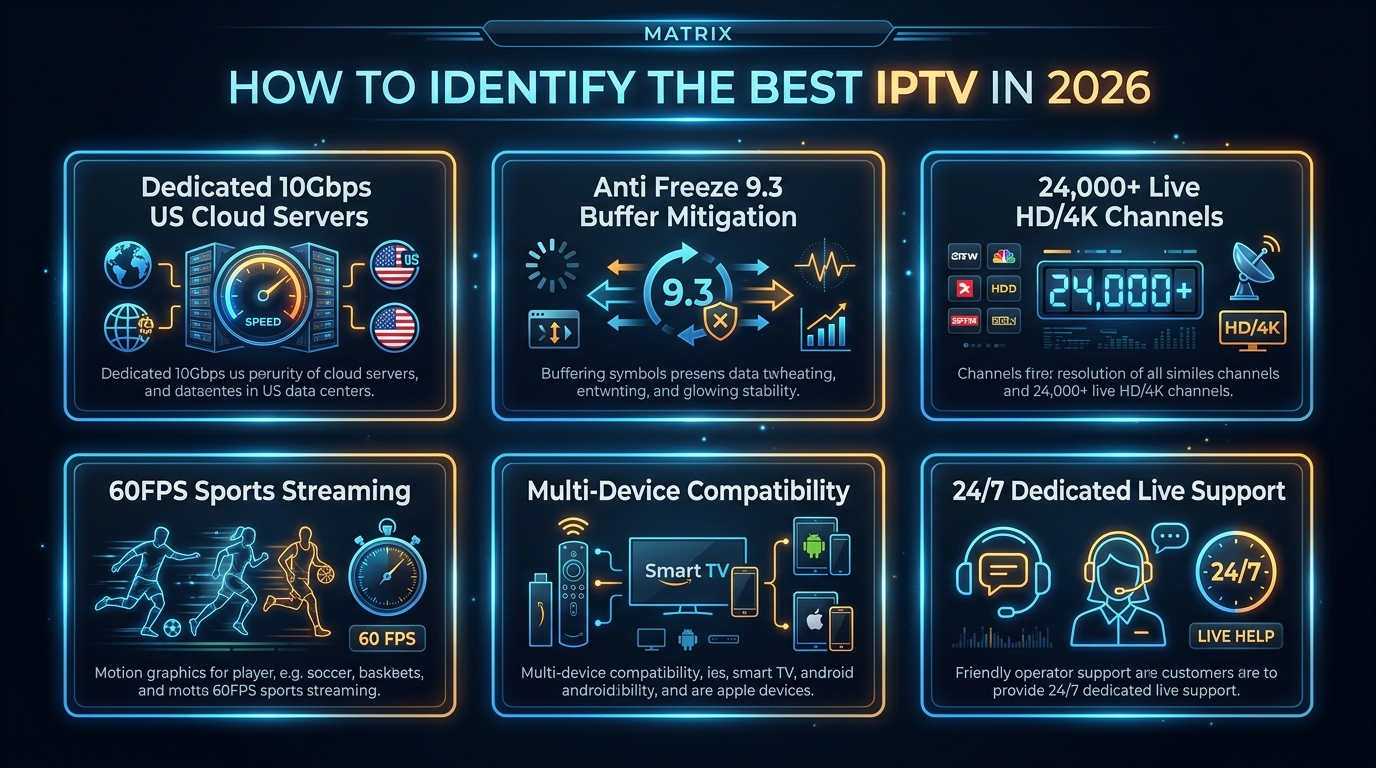
# IPTV Schedule: The 2026 Complete Guide to EPG, Live Sports & TV Guides
For millions of cord-cutters transitioning from traditional cable to internet television, the IPTV schedule—commonly known as the Electronic Program Guide (EPG)—is what transforms thousands of digital streams into a seamless, familiar, and enjoyable television experience.
Without an accurate IPTV schedule, browsing over 25,000+ live television channels feels like searching for a needle in a haystack. With a fully integrated 7-day EPG schedule, you get instant visual timelines, detailed episode summaries, sports kickoff countdowns, channel logos, and one-touch Catch-Up TV functionality.
With IPTV USA Pro, every subscription plan automatically includes a high-speed, cloud-synchronized 7-day IPTV schedule (XMLTV / Xtream Codes API) covering all major US networks, local affiliates across 210 markets, and comprehensive live sports schedules (NFL, NBA, MLB, NHL, UFC PPV) starting at just $14.99 per month.
In this comprehensive 2026 guide, our broadcast metadata engineers explain how IPTV schedules work, how to fix missing guide data, how to track live sports schedules, and how to set up the ultimate TV guide interface on your Firestick, Smart TV, Apple TV, or mobile device.
What Is an IPTV Schedule and How Does the EPG Work?
An IPTV schedule is a digital metadata feed that provides real-time programming timelines for live television channels.
The Technical EPG Pipeline Behind Your TV Screen
When you turn on your TV and open an IPTV player like TiviMate or IPTV Smarters Pro, your device communicates with our metadata servers through a structured four-stage process:
tvg-id) with its broadcast title, program descriptions, rating, genre, and start/stop timestamps.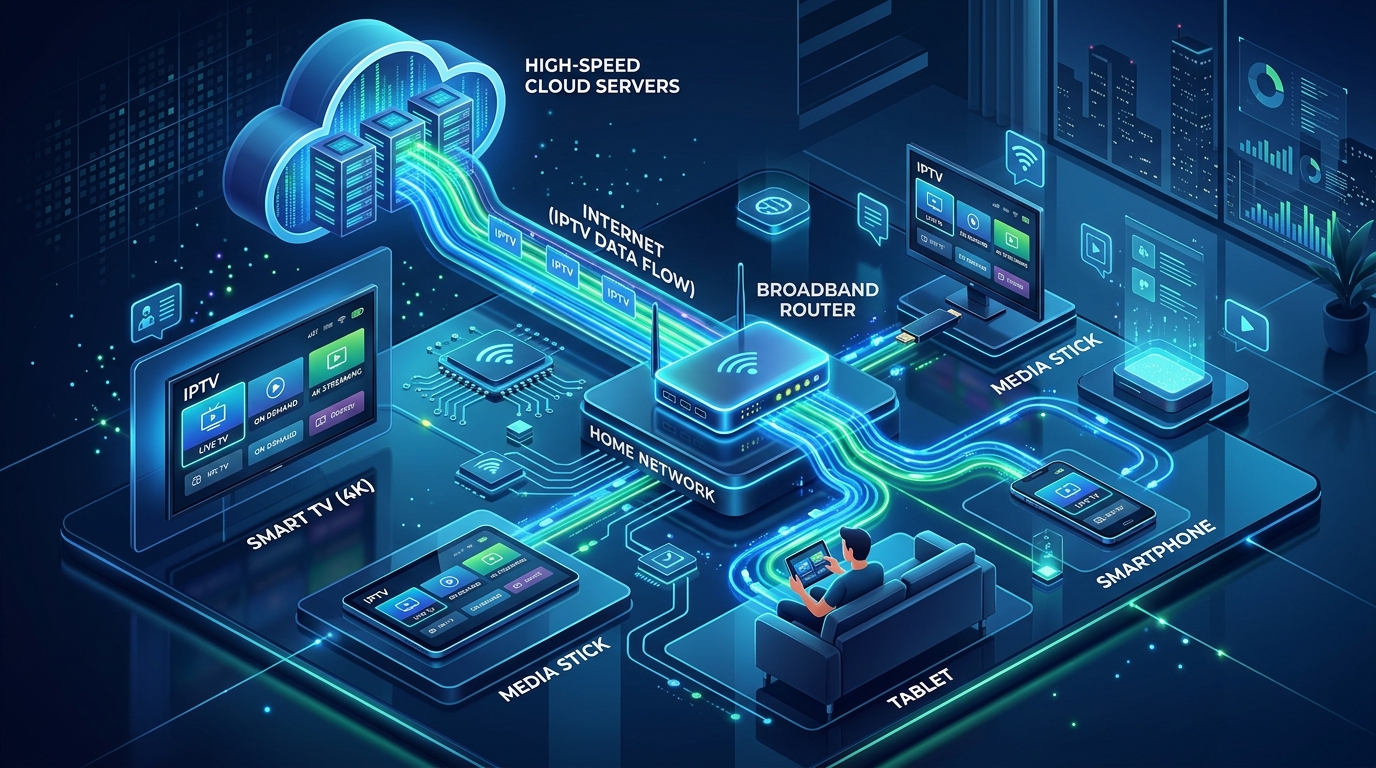
Live Sports Scheduling & Match Tracking on IPTV
Tracking live sports is one of the primary reasons viewers switch to IPTV. However, because sports games air across regional networks, national cable channels, and specialized pay-per-view events, an intelligent sports IPTV schedule is essential.
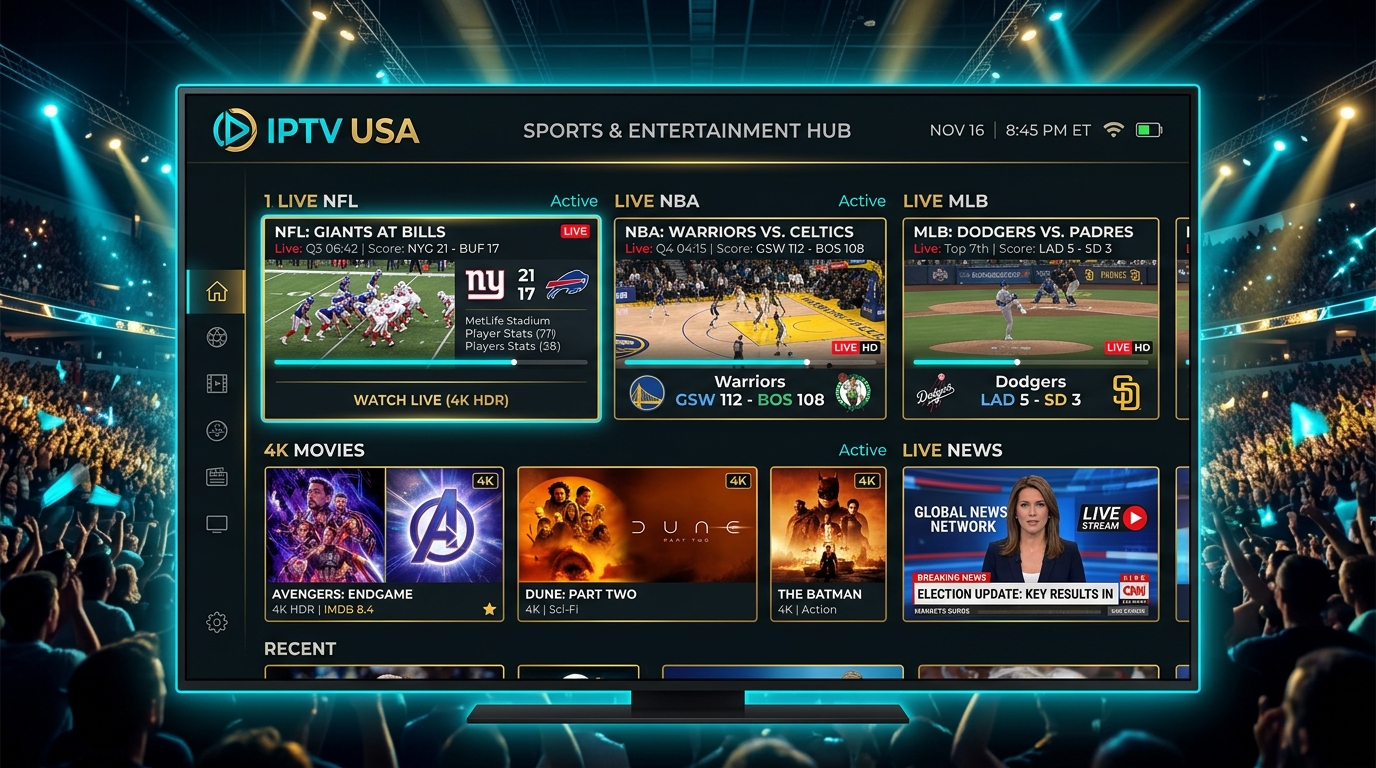
How IPTV USA Pro Organizes Live Sports Schedules:
NFL: Chiefs vs. Ravens (4K 60FPS)).Catch-Up TV: Using Historical IPTV Schedules to Replay Missed Shows
One of the most powerful features unlocked by modern IPTV schedules is Catch-Up TV.
Instead of setting up manual cloud DVR recordings that consume storage space, Catch-Up TV allows you to travel backward in time directly within your IPTV schedule:
Traditional Cable Guide vs. Free IPTV EPG vs. IPTV USA Pro 7-Day Schedule
| Feature / Criteria | Traditional Cable (Xfinity / Spectrum) | Free / Public EPG Sources | IPTV USA Pro Premium IPTV Schedule |
|---|---|---|---|
| Schedule Horizon | 7 – 14 Days | 24 – 48 Hours (Often Outdated) | Full 7-Day Forward & Backward EPG |
| Channel Coverage | 150 – 250 Channels | Incomplete / Missing Data | 25,000+ US, Local & Global Channels |
| Sync Speed | Fast (Proprietary Box) | Very Slow (Frequent Server Timeouts) | High-Speed CDN Sync (<3 Seconds) |
| Live Sports Schedules | Blackout restrictions apply | Poor or unmapped event channels | Zero Blackouts & Matchup Labels |
| 7-Day Catch-Up TV | Extra $10–$20/mo DVR fees | Not supported | 100% Included for Free |
| Channel Logos & Metadata | Standard | Missing or broken images | High-Resolution 4K Logos & Summaries |
| Timezone Offset Tools | Locked to physical address | Manual coding required | Automated Multi-Zone + Manual Adjust |
| Monthly Cost | $150.00 – $220.00 / month | $0 (High buffering, broken links) | $14.99 / month (Save over $2,000/yr) |
Best IPTV Player Apps for the Ultimate Schedule Experience
Your choice of media player application directly determines the visual quality and speed of your IPTV schedule:
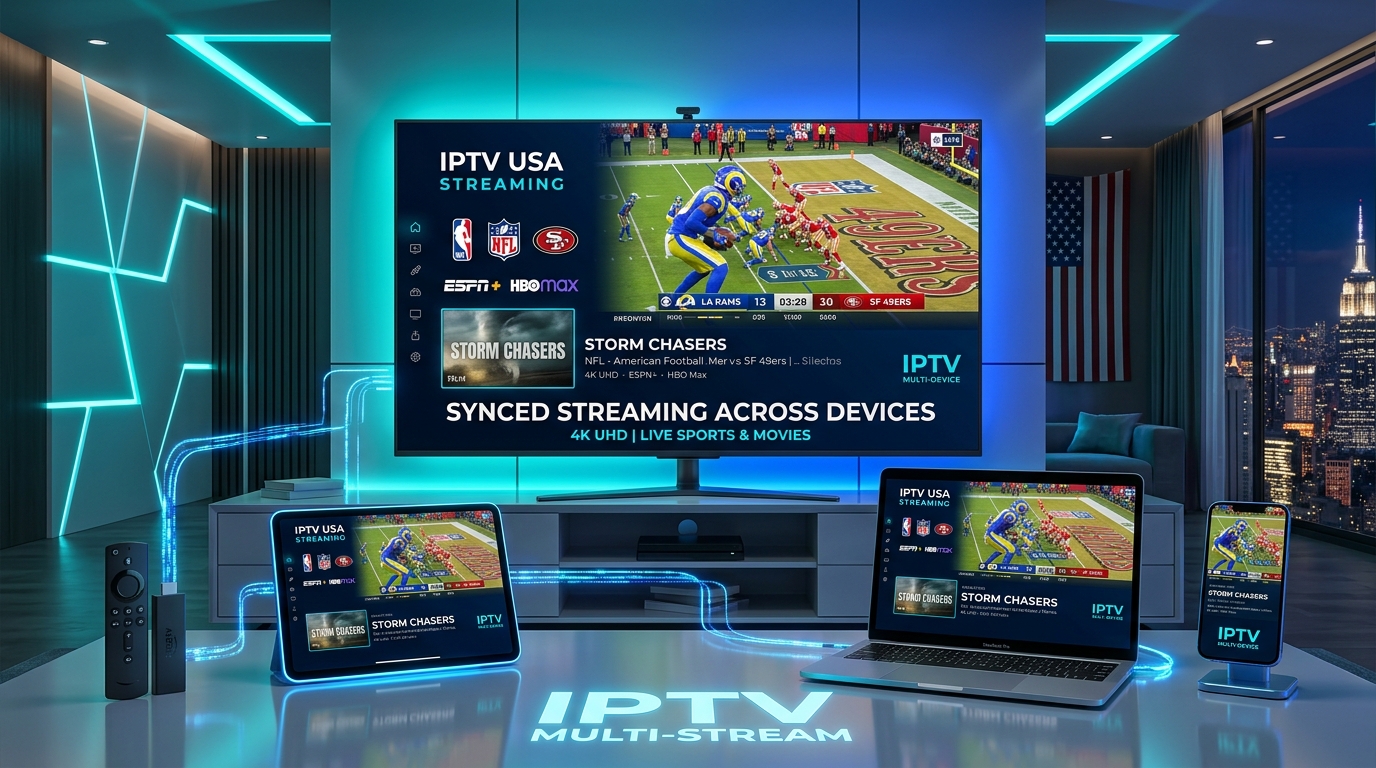
- Sleek, modern cable-like TV guide interface.
- Customizable category ordering, channel hiding, and favorite lists.
- Automated background EPG updates and manual timezone time-shifting.
- Clean linear TV guide with dedicated tabbed sections for Live, Movies, and Series.
- Built-in multi-screen viewer and one-click EPG refresh button.
- Fast direct download from official TV app stores.
- Instant automated XMLTV synchronization with snappy remote zapping.
- Apple-native Liquid Design UI with smooth iCloud synchronization across Apple TV, iPhone, and iPad.
Step-by-Step: How to Configure & Sync Your IPTV Schedule
Setting up your IPTV schedule on any device takes less than 3 minutes:
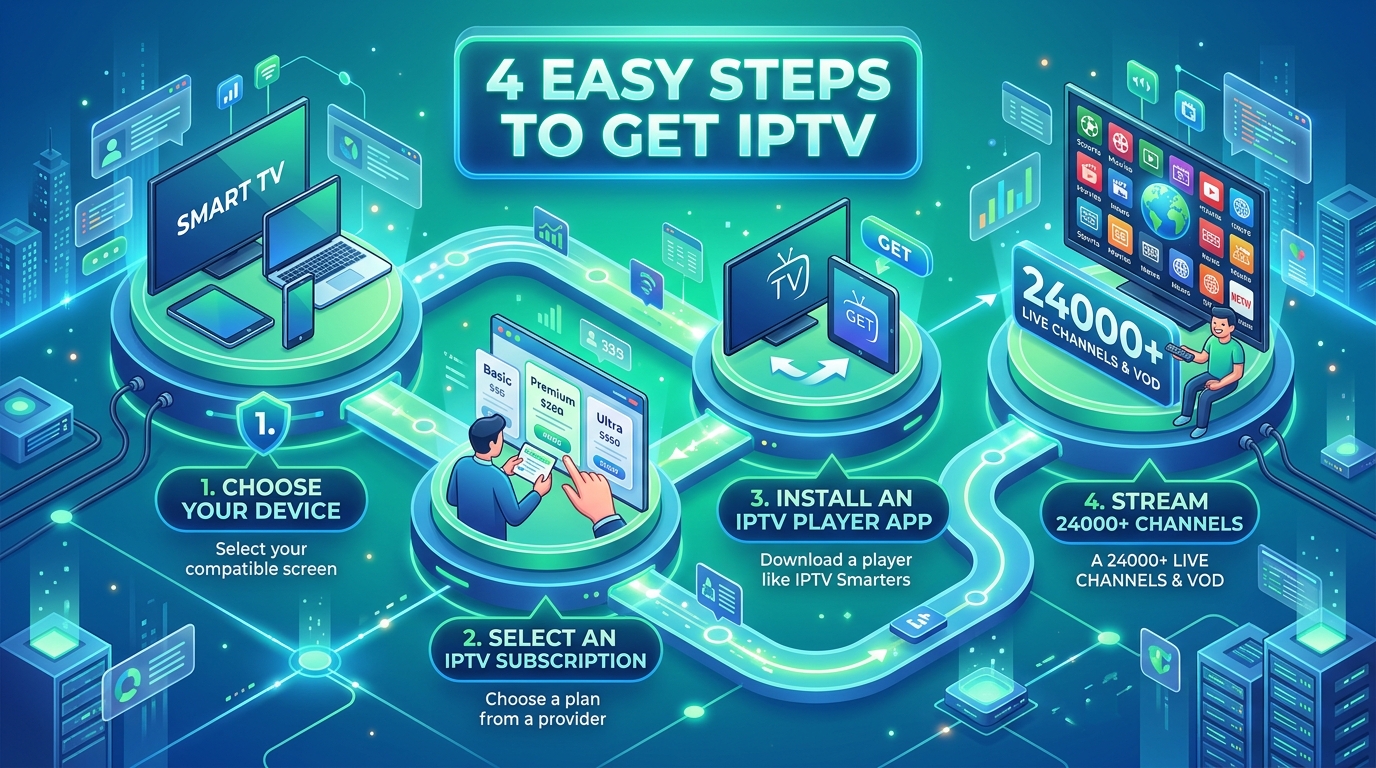
Method 1: Automated Sync via Xtream Codes API (Recommended)
Method 2: Manual XMLTV EPG URL Setup
If your player requires a separate EPG source URL:
For step-by-step visual tutorials for every device, visit our complete Setup Guide.
Troubleshooting Common IPTV Schedule Issues
If you ever encounter an issue with your guide, use these verified quick fixes:
1. Fix "No Information" or Blank EPG Listings
2. Fix Incorrect Schedule Times (Timezone Offset)
3. Missing Channel Logos
Frequently Asked Questions About IPTV Schedules
1. What is an IPTV schedule and how does an Electronic Program Guide (EPG) work?
An IPTV schedule is the real-time digital timeline and programming directory delivered through an Electronic Program Guide (EPG). It provides channel listings, show descriptions, air times, episode metadata, and channel logos formatted in XMLTV or JSON, allowing users to browse what is currently airing and what is scheduled next across 25,000+ channels.
2. How do I get an accurate 7-day IPTV schedule on my device?
When you subscribe to IPTV USA Pro, our automated server provisions an EPG XML URL alongside your Xtream Codes API credentials. Top IPTV players like TiviMate and IPTV Smarters Pro automatically sync this URL to generate an interactive 7-day program guide with zero manual configuration.
3. Why does my IPTV schedule say 'No Information' and how can I fix it?
'No Information' typically occurs when your player app hasn't refreshed its EPG database, has an outdated cache, or has a timezone mismatch. You can fix this instantly by navigating to your player's EPG Settings and clicking 'Update EPG' or 'Clear EPG Cache'.
4. Can I view live sports schedules and upcoming game matchups on IPTV?
Yes! IPTV USA Pro includes a dedicated Live Sports EPG category that lists kickoff, tip-off, and puck-drop times for NFL, NBA, MLB, NHL, Premier League, and UFC PPV events alongside home/away broadcast feeds.
5. How does Catch-Up TV work with the IPTV schedule?
Catch-Up TV integrates directly with the historical EPG schedule. By scrolling backwards through the past 3 to 7 days in your program guide on supported channels, you can click on any previously aired program to stream it instantly without needing a physical DVR.
6. How do I fix timezone differences on my IPTV schedule?
If your IPTV guide shows programs airing hours ahead or behind your local time, open your IPTV player settings (e.g., TiviMate > EPG > Time Shift), and adjust the timezone offset by (+/- 1 to 5 hours) until the schedule matches your local clock.
7. Does the IPTV schedule automatically update when daylight saving time changes?
Yes, our central EPG servers automatically adjust for Daylight Saving Time (DST) across North American (EST, CST, MST, PST) and international time zones so your schedule remains synchronized year-round.
8. What format does the IPTV schedule use?
IPTV schedules are standardized using the XMLTV XML/GZ format or provided directly via the Xtream Codes API metadata endpoint, which transmits channel identifiers (tvg-id), names (tvg-name), start/stop timestamps, and program summaries.
9. Which IPTV player app offers the best schedule and TV guide interface?
TiviMate IPTV Player is universally recognized as the best EPG interface for Android TV and Firestick, offering smooth horizontal scrolling, customizable channel groups, multi-view scheduling, and one-click Catch-Up access.
10. Is the IPTV schedule included for free with all subscription plans?
Yes, complete automated 7-day EPG schedule access, channel metadata, and Catch-Up TV links are 100% included with every IPTV USA Pro subscription tier at no additional cost.
Upgrade to the #1 IPTV Service with Full 7-Day Schedule Today
Ready to enjoy over 25,000+ live channels, 4K live sports, and a crystal-clear 7-day TV schedule with zero buffering? Join thousands of satisfied streamers who have switched to IPTV USA Pro.
Stream Over 24,000+ Channels with Zero Buffering
Enjoy high-speed 4K & FHD streaming powered by Anti Freeze 9.3 servers. Compatible with Firestick, Smart TVs, Android, iOS, and PC with instant 5-minute activation.