IPTV Streaming: The 2026 Complete Guide to Buffer-Free 4K Live TV & Sports
The authoritative 2026 guide to high-performance IPTV streaming. Learn how to stream 35,000+ live 4K channels and sports events with zero buffering on Smart TVs, Firestick, and Apple TV.
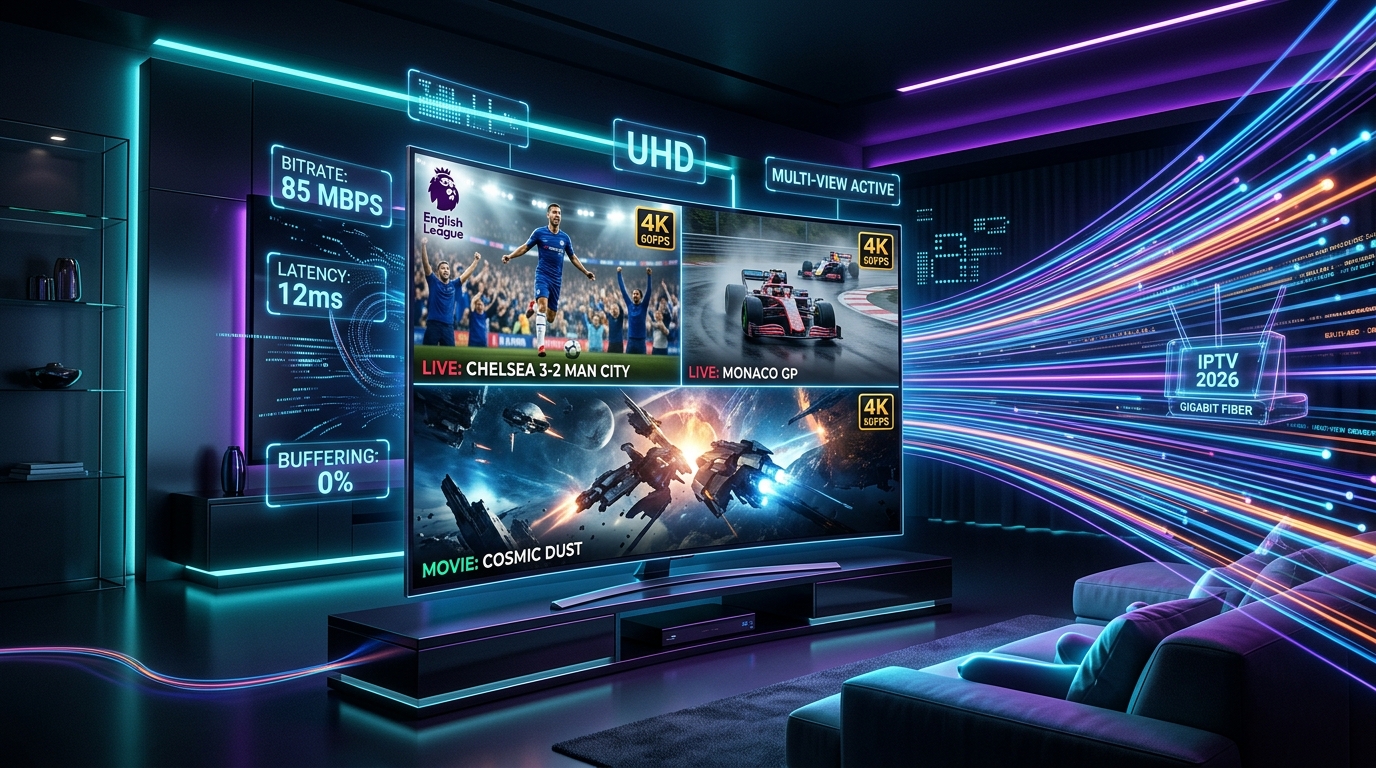
# IPTV Streaming: The 2026 Complete Guide to Buffer-Free 4K Live TV & Sports
The transition from physical cable boxes and satellite dishes to digital video streaming is now complete. In 2026, IPTV streaming has emerged as the premier method for households around the world to access live television, global sports leagues, pay-per-view events, and on-demand entertainment in crystal-clear 4K Ultra HD at 60 frames per second (FPS).
However, not all IPTV streaming experiences are created equal. Low-tier providers often suffer from frustrating buffering loops, audio-video desynchronization, and frozen screens during peak sports moments. In this definitive guide, we break down how modern high-performance IPTV streaming works, how to optimize your home network for zero buffering, the best streaming devices and apps, and how to access 35,000+ premium live channels and 150,000+ VOD titles seamlessly.
1. What is IPTV Streaming?
IPTV streaming refers to the delivery of live television broadcasts, time-shifted television, and video on demand (VOD) over high-speed packet-switched Internet Protocol (IP) networks. Instead of receiving video via analogue radio frequency waves on a coaxial cable or microwave signals from a satellite dish, IPTV streams video data in digital packets (MPEG-TS, HLS, or MPEG-DASH) directly to your internet-connected screen.
IPTV Streaming vs. Over-The-Top (OTT) Apps
Consumers often wonder how IPTV streaming differs from conventional OTT subscription apps like Netflix, Disney+, YouTube TV, or Fubo:
| Comparison Metric | Premium IPTV Streaming (IPTVUSA) | Mainstream OTT Platforms (YouTube TV, Fubo) | On-Demand OTT Apps (Netflix, Prime) |
|---|---|---|---|
| Monthly Pricing | $12 - $15 / month | $80 - $110 / month | $15 - $25 / month each |
| Live Channels | 35,000+ Global Channels | 85 - 190 Channels | 0 Live TV Channels |
| Live Sports & PPV | All Leagues & PPVs Included | Basic regional sports (blackouts apply) | No Live Sports / Rare Add-ons |
| VOD Library | 150,000+ Movies & Series | Limited on-demand catalog | Proprietary original library |
| International Content | USA, Canada, UK, Europe, LatAm, Global | US Domestic Only | Regionalized libraries |
| Device Portability | Unlimited multi-device access | Restricted home IP locks | Multi-device mobile access |
2. The Technical Anatomy of High-Bitrate 4K IPTV Streaming
To deliver live broadcast television that matches or exceeds traditional satellite feeds, modern IPTV streaming relies on an advanced media encoding and delivery pipeline:
1. High-Efficiency Video Coding (H.265 / HEVC & AV1)
Premium live channels—especially fast-moving sports broadcasts like football, basketball, and auto racing—are compressed using H.265 / HEVC hardware encoders at high bitrates (15 Mbps to 30 Mbps for true 4K UHD). This guarantees crisp player jersey numbers, sharp turf details, and fluid ball trajectories without pixelation.
2. True 60 FPS (Frames Per Second) Refresh Rates
Standard television broadcasts often transmit at 30 FPS or 50Hz interlaced (1080i). Tier-1 IPTV streaming converts raw studio feeds into progressive 60 FPS streams (1080p60 and 4K60). The result is ultra-fluid, lifelike motion tracking that completely eliminates motion blur during high-speed action.
3. Multi-Channel Surround Sound (Dolby Digital 5.1 & AC3)
Immersive audio is a cornerstone of the living room entertainment experience. High-quality IPTV streaming packages native Dolby Digital Plus (AC3/E-AC3) 5.1 surround sound audio tracks, delivering booming stadium atmospheres, crisp dialogue, and cinematic movie soundscapes.
3. How to Achieve 100% Buffer-Free IPTV Streaming
Buffering is the enemy of live sports and television enjoyment. Understanding why buffering happens allows you to optimize your setup for uninterrupted viewing:
Step 1: Mitigate ISP Bandwidth Throttling
During high-traffic events (such as the Super Bowl, Champions League fixtures, or UFC main cards), major Internet Service Providers (ISPs) often inspect network traffic and artificially throttle video streaming ports.
Step 2: Use a Wired Gigabit Ethernet Connection
While modern Wi-Fi is convenient, radio frequency interference from walls, household appliances, and neighboring networks causes micro-packet drops.
Step 3: Optimize Router DNS Configuration
Default ISP DNS servers are often slow to resolve hostnames and may block video streaming CDN domains.
Primary DNS:* 1.1.1.1 (Cloudflare) or 8.8.8.8 (Google)
Secondary DNS:* 1.0.0.1 (Cloudflare) or 8.8.4.4 (Google)
Step 4: Fine-Tune Player Buffer Caching
In player apps like TiviMate or IPTV Smarters Pro:
4. Best Hardware Devices for IPTV Streaming in 2026
Your streaming device is responsible for hardware decoding video packets and rendering the user interface. Here are the top hardware recommendations:
1. Amazon Fire TV Stick 4K Max (2nd Gen)
2. Apple TV 4K (3rd Gen)
3. Nvidia Shield TV Pro
4. Samsung & LG Smart TVs
5. Top Player Applications for IPTV Streaming
An IPTV streaming subscription provides the stream data feed, while your player application manages your viewing experience. Here are the leading players in 2026:
1. TiviMate IPTV Player (Android TV / Firestick)
Widely considered the industry standard for dedicated streaming devices.
2. IPTV Smarters Pro (Cross-Platform)
Available on Android, iOS, Windows PC, Mac, LG webOS, and Samsung Tizen.
3. IBO Player Pro (Samsung & LG Smart TVs)
Engineered specifically for webOS and Tizen OS smart TVs.
6. Step-by-Step IPTV Streaming Setup Guide
Setting up your IPTV streaming connection takes less than 5 minutes:
Step 1: Install Your Player App
Download your chosen player application (such as TiviMate, IPTV Smarters Pro, or IBO Player Pro) from your device's official app store.
Step 2: Input Your IPTVUSA Credentials
Open the app and select Add Playlist / Add User:
Step 3: Sync EPG & Organize Favorites
Allow the application to complete its initial sync of the Electronic Program Guide (EPG). Create a custom Favorites list for your most-watched sports networks, news channels, and movie streams for instantaneous 1-click access.
7. Troubleshooting Common IPTV Streaming Issues
If you ever encounter technical hiccups, use this quick diagnostic guide:
Fix: Switch your stream format in player settings from MPEG-TS to HLS (m3u8)* or vice versa.
Fix: Change the hardware decoder in your app settings from Hardware (HW) to Hardware+ (HW+) or Software (SW)*.
Fix:* Verify that your streaming device and HDMI port support HDCP 2.2 and 4K 60Hz resolution in your TV display settings.
Fix: Navigate to player EPG settings and click Clear Cache & Force Update EPG*.
8. Why IPTVUSA is the #1 Ranked IPTV Streaming Service in 2026
When you choose IPTVUSA, you gain access to an enterprise-grade broadcast infrastructure engineered for flawless reliability:
9. Frequently Asked Questions (FAQs)
Can I stream IPTV on my mobile phone when away from home?
Yes! You can install player apps like IPTV Smarters Pro or GSE Smart IPTV on your iPhone or Android smartphone and stream your favorite channels anywhere using 4G/5G mobile data or hotel Wi-Fi.
Does IPTV streaming consume a lot of internet data?
Streaming standard HD channels uses approximately 1.5 GB to 3 GB per hour, while high-bitrate 4K UHD streams consume roughly 7 GB to 12 GB per hour. For heavy 4K streaming, an uncapped broadband plan is recommended.
How many simultaneous connections can I have?
IPTVUSA offers flexible plans ranging from single-device connections to multi-room family packages allowing 2, 3, or more simultaneous streams on different screens.
How quickly will my subscription be activated?
Activation is immediate. Upon ordering through our website or messaging our WhatsApp concierge at +212 779-395271, your access credentials and setup instructions will be delivered within 3 to 5 minutes.
Upgrade to Crystal-Clear 4K IPTV Streaming Today
Say goodbye to expensive cable contracts, blacked-out sports games, and frustrating buffering. Experience the gold standard of live television and entertainment today.
Stream Over 24,000+ Channels with Zero Buffering
Enjoy high-speed 4K & FHD streaming powered by Anti Freeze 9.3 servers. Compatible with Firestick, Smart TVs, Android, iOS, and PC with instant 5-minute activation.