IPTV Streams: The 2026 Complete Guide to Reliable Live 4K TV & Sports Feeds
The definitive 2026 guide to IPTV streams. Explore how live video feeds are encoded and distributed, how to identify stable streams, top player apps, and step-by-step setup for 35,000+ live 4K channels.
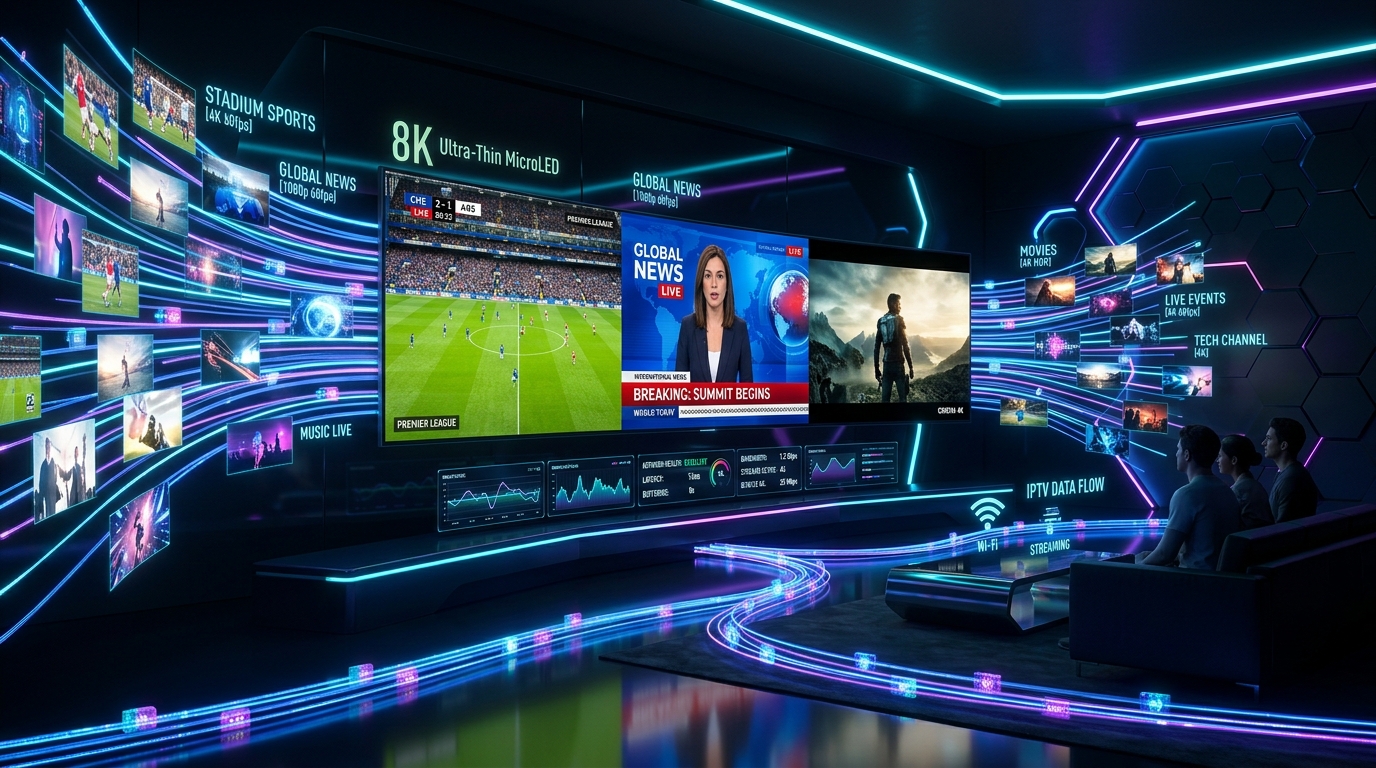
# IPTV Streams: The 2026 Complete Guide to Reliable Live 4K TV & Sports Feeds
As broadband speeds and smart television technology advance, IPTV streams have become the primary method for sports fans, movie lovers, and international television viewers to watch live broadcasts worldwide. Instead of being locked into restrictive, expensive multi-room cable agreements, viewers now enjoy access to over 35,000+ live 4K/FHD streams and 150,000+ on-demand titles directly over the internet.
However, navigating the world of IPTV streams requires understanding stream stability, encoding quality, player configurations, and server architecture. In this comprehensive 2026 guide, we explore the science behind high-bitrate IPTV streams, why free public streams fail, how to optimize your network for zero buffering, and how to access the most reliable live streams on any smart device.
1. What Are IPTV Streams?
An IPTV stream is a continuous digital sequence of video and audio data packets transmitted over Internet Protocol (IP) networks. When you tune into a channel on an IPTV service, your media player (like TiviMate, IBO Player Pro, or IPTV Smarters Pro) initiates a real-time connection to a streaming media server, receiving chunked media data (such as .ts or .m3u8 segments) and decoding them seamlessly on your display.
The Lifecycle of an IPTV Stream
To appreciate how high-quality streams operate, consider the pipeline from stadium camera to your living room:
2. Free vs. Premium Tier-1 IPTV Streams: The Crucial Difference
Many cord-cutters initially encounter free IPTV stream playlists shared on public Reddit threads, GitHub repositories, or forums. While tempting, the experience between free and Tier-1 premium streams is night and day:
| Comparison Metric | Free Public IPTV Streams | Premium Tier-1 IPTV Streams (IPTVUSA) |
|---|---|---|
| Stream Uptime & Reliability | 10% - 35% (Frequent 404 dead links) | 99.9% Verified SLA Uptime |
| Peak Sports Stability | Constant freezing during live matches | Zero Buffering with AntiFreeze 10.0 |
| Resolution & Frame Rate | 480p / 720p at 25-30 FPS (Choppy) | True 1080p60 and 4K UHD 60 FPS |
| Server Bandwidth | Overcrowded, unmanaged free nodes | Multi-Gigabit Dedicated CDN Backbone |
| Electronic Program Guide (EPG) | Rarely available or broken XMLTV | Real-Time 7-Day Auto-Sync EPG |
| Customer Support | Zero support (Anonymous) | 24/7 Dedicated WhatsApp Concierge |
| Security & Privacy | High risk of malware or phishing ads | Encrypted, Direct & Secure Connection |
3. Types of IPTV Streams in 2026
Modern IPTV architectures deliver several distinct stream types tailored for different viewing habits:
1. Live Linear Streams
Continuous, real-time broadcasts mirroring traditional cable and satellite television networks (e.g., ESPN, Sky Sports, HBO, CNN, BBC, Bein Sports). In premium services, these streams are broadcast in 60 FPS to capture rapid sports movement with pristine visual fidelity.
2. Video on Demand (VOD) Streams
Pre-encoded movie and television series files hosted on high-speed media storage arrays. Unlike live streams, VOD streams allow instant fast-forwarding, rewinding, audio track selection (e.g., 5.1 Dolby Digital), and dynamic multi-language subtitle switching.
3. Catch-Up & Time-Shifted Streams
Recorded broadcast streams stored temporarily on cloud servers (typically for 3 to 7 days). If you miss a live football match or prime-time episode, catch-up streams allow you to rewatch the broadcast directly through your TV guide without prior scheduling.
4. Multi-Screen Sports Matrix Streams
Specialized stream bundles allowing media players (like TiviMate) to decode and render up to 9 live sports streams simultaneously on a single 4K screen—ideal for NFL Sunday, Champions League matchdays, and Formula 1 race weekends.
4. How to Optimize Your Setup for Flawless IPTV Streams
If you experience stream buffering, stuttering, or audio lag, these optimization strategies will maximize your streaming performance:
1. Upgrade from 2.4 GHz Wi-Fi to Ethernet or 5GHz / 6GHz Wi-Fi
The 2.4 GHz Wi-Fi spectrum suffers from heavy congestion and packet collisions caused by microwaves, Bluetooth devices, and neighbor networks. For 4K 60FPS streams, connect your streaming device via a Cat6 Ethernet cable or connect to your router's 5 GHz / Wi-Fi 6 band.
2. Implement AntiFreeze 10.0 Technology
Major ISPs often throttle high-bandwidth video streaming during major sporting events. IPTVUSA incorporates proprietary AntiFreeze 10.0 technology, which utilizes intelligent packet routing and randomized stream headers to prevent ISP deep packet inspection (DPI) throttling.
3. Change Default DNS Resolvers
Switch your streaming device or home router DNS to enterprise-grade resolvers to reduce DNS latency and prevent domain resolution failures:
1.1.1.1 | Secondary 1.0.0.18.8.8.8 | Secondary 8.8.4.44. Adjust Player Stream Buffer Settings
In your player application (e.g., TiviMate or IPTV Smarters Pro), navigate to Settings > Playback:
5. Top Hardware Devices for Decoding 4K IPTV Streams
To handle high-bitrate HEVC and AV1 streams without overheating or dropping frames, consider these industry-leading devices:
6. Top Player Applications for Managing IPTV Streams
Your IPTV stream subscription provides the live feed links, while your player application manages your viewing experience:
1. TiviMate IPTV Player (Android TV / Firestick)
The undisputed king of IPTV stream players. Features an intuitive TV guide interface, 9-screen multi-view, recording capabilities, and automated channel logo synchronization.
2. IPTV Smarters Pro (Cross-Platform)
Available for Android, iOS, Windows PC, Mac, LG webOS, and Samsung Tizen. Offers a clean, four-quadrant dashboard dividing Live TV, Movies, Series, and Catch-up.
3. IBO Player Pro (Samsung & LG Smart TVs)
Designed specifically for modern smart TVs. Delivers rapid stream zapping, low memory consumption, and simple activation via MAC address or QR code.
7. Step-by-Step Setup: Connecting to IPTV Streams in 5 Minutes
Setting up your IPTV streams is quick and straightforward:
Step 1: Install Your Preferred Player App
Download your chosen player (such as TiviMate, IPTV Smarters Pro, or IBO Player Pro) from your device's official app store.
Step 2: Enter Your IPTVUSA Credentials
Select Add Playlist and choose Xtream Codes API (Recommended):
Step 3: Load Channels and Sync EPG
Allow the application to download your 35,000+ live streams, VOD catalogs, and Electronic Program Guide data. You are now ready to stream in full 4K UHD!
8. Why IPTVUSA Delivers the #1 Rated IPTV Streams in 2026
When quality, channel variety, and zero-buffering performance matter, IPTVUSA stands as the industry leader:
9. Frequently Asked Questions (FAQs)
Can I stream IPTV on multiple screens simultaneously?
Yes! IPTVUSA offers multi-connection subscriptions allowing 2, 3, or more simultaneous streams across different TVs, streaming sticks, and smartphones in your home.
Do IPTV streams work when traveling abroad?
Yes. Our IPTV streams are fully portable and accessible anywhere in the world over standard Wi-Fi, Ethernet, or 4G/5G mobile broadband connections.
What should I do if a specific stream does not load?
First, check if your internet connection is active. Then, try switching the stream format in your player settings from MPEG-TS to HLS (m3u8), or refresh your playlist. If the issue persists, our 24/7 WhatsApp concierge will assist you immediately.
Experience the Ultimate IPTV Streams Today
Transform your home television experience with ultra-reliable, buffer-free 4K live streams, sports passes, and on-demand entertainment.
Stream Over 24,000+ Channels with Zero Buffering
Enjoy high-speed 4K & FHD streaming powered by Anti Freeze 9.3 servers. Compatible with Firestick, Smart TVs, Android, iOS, and PC with instant 5-minute activation.