Multicast IPTV Encoder: The 2026 Technical Guide & Network Architecture
Everything you need to know about multicast IPTV encoders in 2026. Explore UDP/RTP streaming, IGMP snooping protocols, enterprise LAN distribution, and 4K bandwidth efficiency.
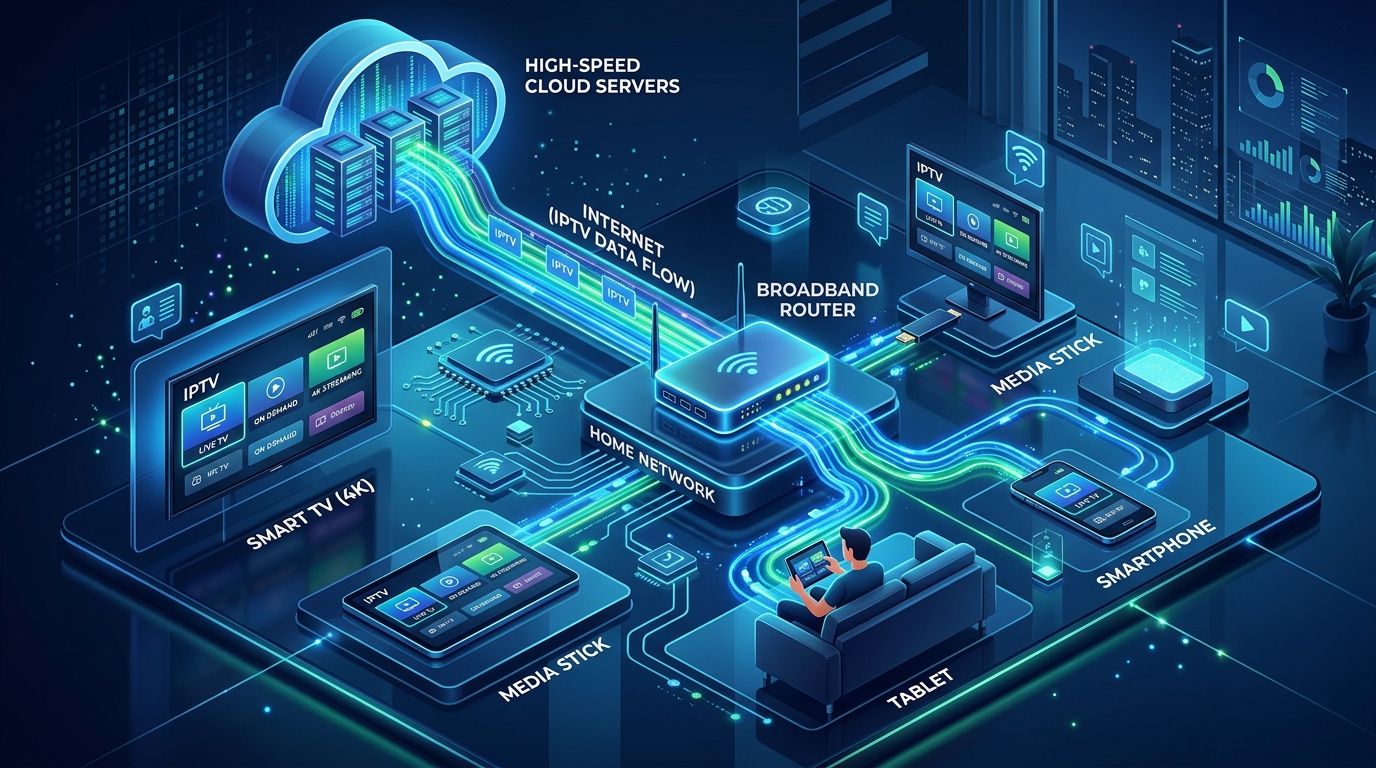
# Multicast IPTV Encoder: The 2026 Technical Guide & Network Architecture
In enterprise local area networks, commercial hospitality systems, massive sports stadiums, and telecommunications broadcast headends, distributing live television to thousands of screens presents a major networking challenge: network bandwidth exhaustion.
If a sports arena or casino with 500 smart TVs attempts to stream a live 4K 60FPS video feed (18 Mbps) using standard Unicast streaming, the local network core must generate 500 separate streams—consuming an overwhelming 9,000 Mbps (9 Gbps) of continuous bandwidth.
A dedicated multicast IPTV encoder solves this completely through IP Multicast (one-to-many broadcasting).
By transmitting a single packet stream to an assigned Class D multicast group address (239.255.1.1), the encoder consumes the exact same 18 Mbps whether 1 screen or 10,000 screens are watching simultaneously—delivering synchronized, broadcast-grade video with glass-to-glass latency under 50 milliseconds.
At IPTV USA Pro, our enterprise broadcast infrastructure leverages high-density multicast hardware encoding clusters feeding dedicated 10Gbps US multi-CDN edge servers to deliver over 25,000+ live television channels, local network affiliates across all 210 US markets, and complete 4K sports passes starting at just $14.99 per month.
In this comprehensive 2026 technical guide, our network architects break down multicast IPTV encoder mechanics, analyze the IGMP protocol, compare multicast vs. unicast, and provide an enterprise deployment blueprint.
What Is a Multicast IPTV Encoder and How Does It Operate?
A multicast IPTV encoder is a dedicated hardware appliance that captures uncompressed video signals from physical sources (via HDMI 2.1 or 12G-SDI) and encodes them into standardized UDP or RTP Multicast transport streams.
The Multicast Ingestion & Distribution Pipeline
Unlike unicast streams that establish direct point-to-point connections between a server and client, multicast encoding utilizes an intelligent network replication model:
239.255.1.1:1234).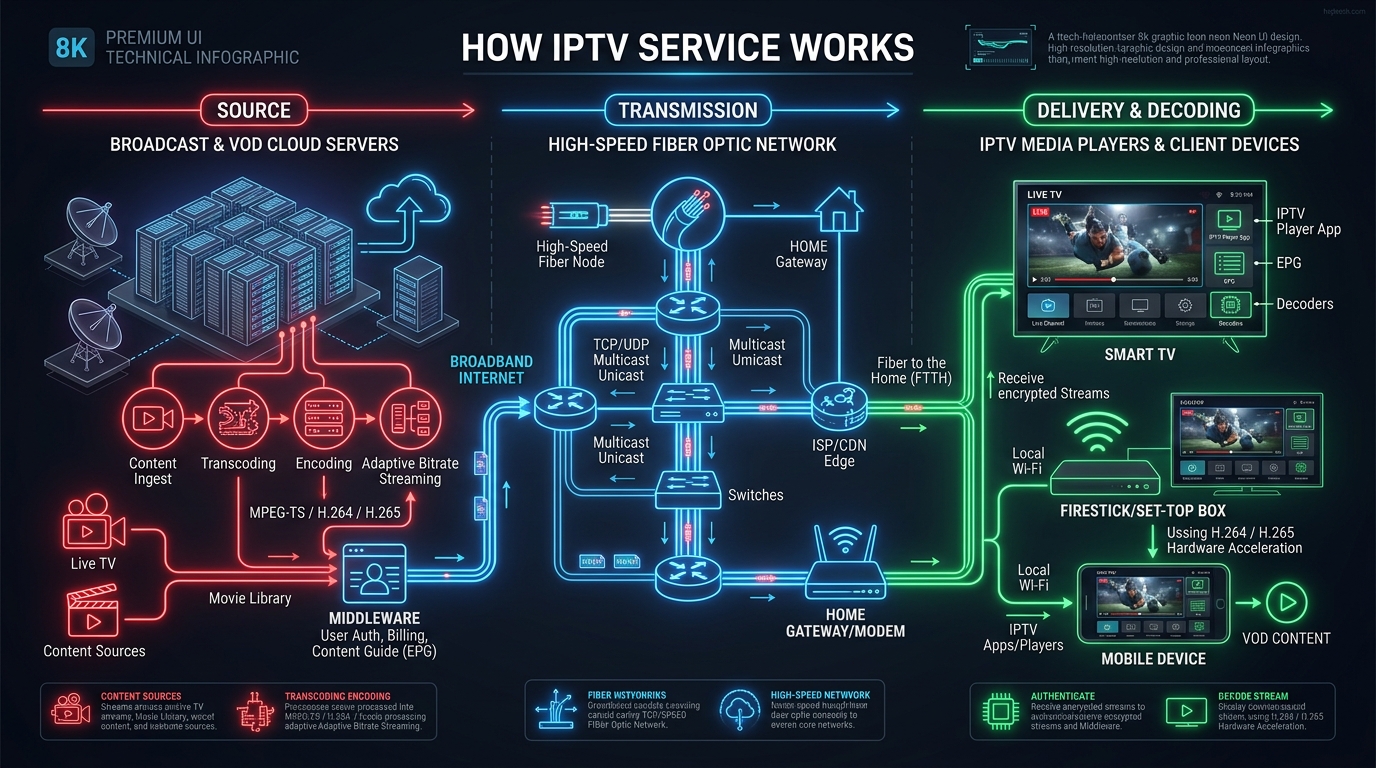
Multicast vs. Unicast vs. Broadcast: The Definitive Comparison
Understanding the structural differences between transmission modes clarifies why multicast is the gold standard for high-density enterprise video:
| Technical Metric | Multicast (UDP / RTP) | Unicast (HLS / DASH / RTMP) | Broadcast (Traditional RF / Ethernet Broadcast) |
|---|---|---|---|
| Transmission Model | One-to-Many (Group Subscription) | One-to-One (Point-to-Point) | One-to-All (Indiscriminate Flooding) |
| Bandwidth (100 Viewers @ 15 Mbps) | 15 Mbps (Fixed constant bandwidth) | 1,500 Mbps (Scales linearly per viewer) | 15 Mbps (Floods all network ports) |
| Bandwidth (1,000 Viewers @ 15 Mbps) | 15 Mbps (Zero bandwidth increase) | 15,000 Mbps (Network collapse) | 15 Mbps (Massive network broadcast storm) |
| Glass-to-Glass Latency | <50ms (Near real-time) | 2.0 to 5.0 seconds (Buffer delay) | <100ms |
| Network Switch Intelligence | Requires IGMP Snooping | Standard Layer 2 switching | No filtering (Floods all ports) |
| Network Scope | Local LAN / Private WAN | Local LAN & Public Internet | Local broadcast domain (VLAN) |
| Ideal Use Case | Stadiums, Hotels, Arenas, Headends | Public OTT Streaming to Smartphones | Legacy RF coaxial TV distribution |
Understanding IGMP Snooping & Multicast Addressing
Operating a multicast IPTV encoder requires configuring two fundamental network elements:
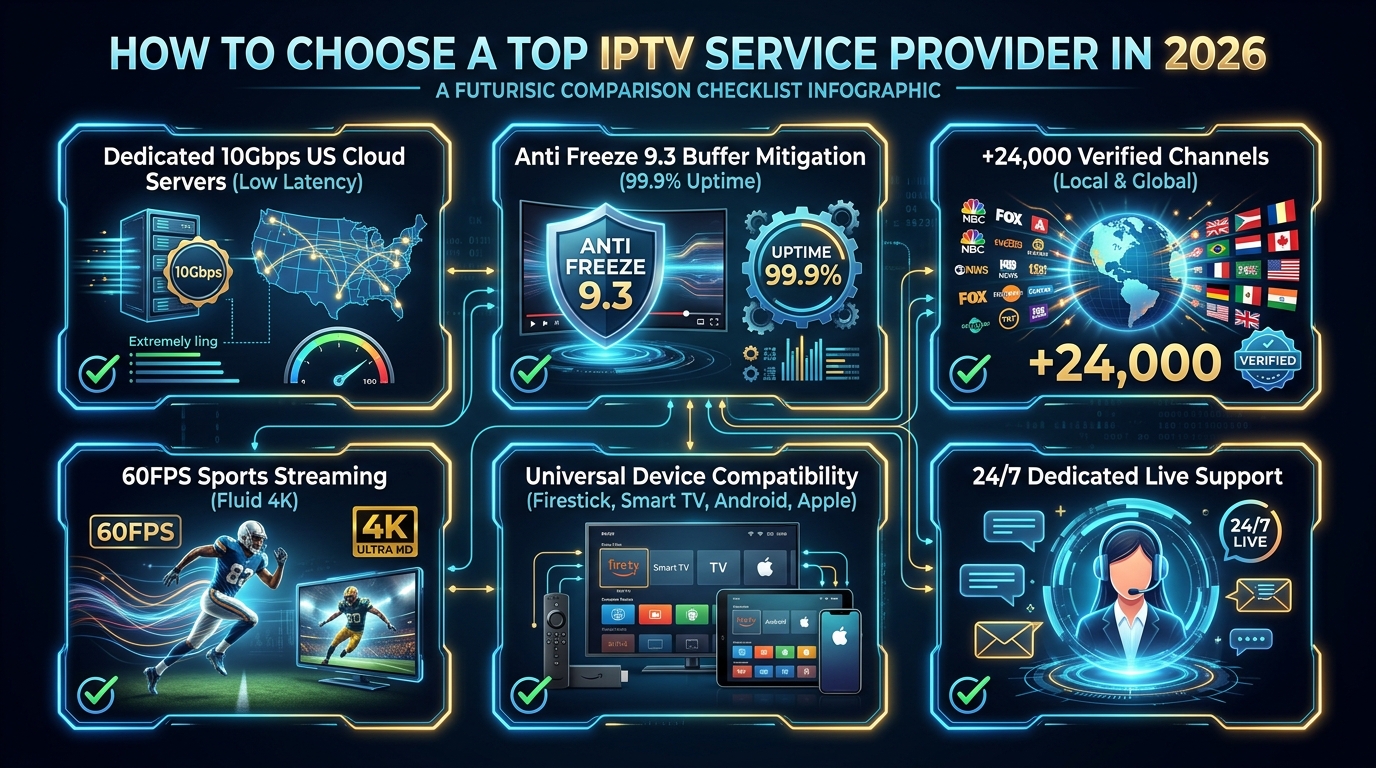
1. Multicast IP Address Architecture (RFC 2365)
IP Multicast utilizes Class D IPv4 addresses in the range of 224.0.0.0 to 239.255.255.255. For private enterprise IPTV networks, you should strictly use the Administratively Scoped Multicast range:
239.0.0.0/8 (239.0.0.0 through 239.255.255.255)udp://239.255.1.1:1234udp://239.255.1.2:1234udp://239.255.1.3:12342. The Role of IGMP Snooping & IGMP Querier
IGMPv2/v3 Membership Report) and Leave messages. The switch dynamically maps which switch ports should receive which multicast stream.5 Essential Features of a 2026 Multicast IPTV Encoder
When sourcing multicast IPTV encoders for enterprise installations, ensure the hardware meets these five technical benchmarks:
1. True 4K UHD @ 60 FPS HEVC (H.265) & AV1 Compression
Fast-moving athletic broadcasts require 60 frames per second (FPS) to eliminate motion blur. Native H.265 (HEVC) encoding delivers pristine 4K video at 15–18 Mbps instead of the 35–40 Mbps required by legacy H.264.
2. Dual Gigabit Ethernet NICs (Network Isolation)
Enterprise encoders feature two physical Ethernet ports:
3. RTP Transport with Sequence Numbering & Forward Error Correction
While standard UDP has low overhead, RTP (Real-Time Transport Protocol) encapsulates packets with sequence numbers and timestamps, allowing smart TV decoders to re-order packets and maintain perfect audio/video lip synchronization.
4. High-Density Modular Rackmount Form Factors
For commercial facilities with multiple video sources (such as sports bars with 16 satellite boxes or hotels with 24 TV tuners), modular 1U/2U multi-channel blade chassis provide centralized cooling, redundant dual power supplies, and hot-swappable encoder blades.
5. Session Announcement Protocol (SAP / SDP) Integration
Automated SAP (Session Announcement Protocol) broadcasts metadata about available channels across the network, enabling client players like VLC Media Player and TiviMate to automatically populate the channel list without manual playlist typing.
Real-World Commercial Deployment Scenarios
Multicast IPTV encoders are the backbone of modern commercial video distribution:
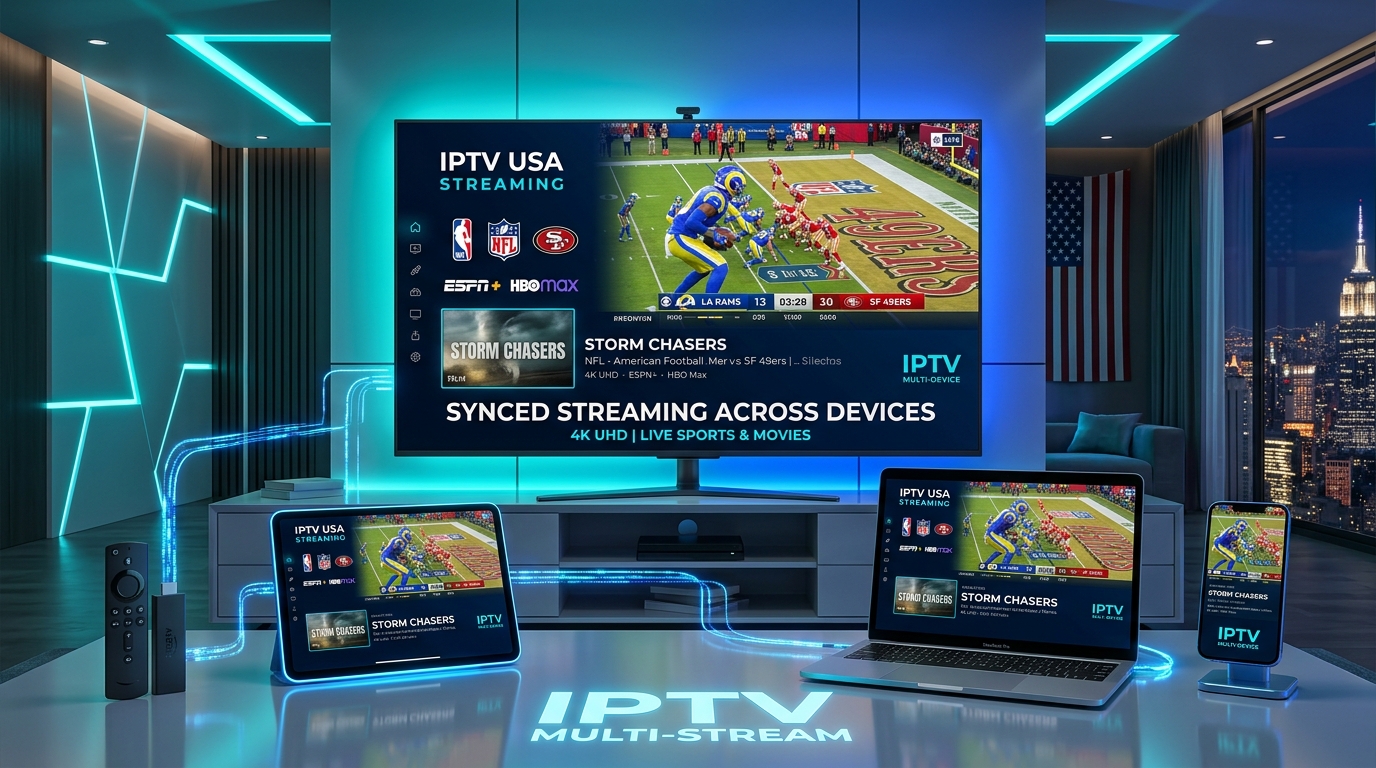
1. Sports Stadiums & Arenas
Arenas connect scoreboard feeds, field cameras, and broadcast trucks to multi-channel SDI multicast encoders. The resulting UDP streams flow over standard gigabit Ethernet cables to hundreds of luxury suite TVs and concourse video walls with zero delay.
2. Luxury Hospitality & Casino Resorts
Hotels replace legacy coaxial distribution with multi-channel HDMI multicast encoders. Satellite tuners feed directly into the encoders, distributing 100+ live HD channels over existing structured Cat6 cabling to guest room smart TVs running IBO Player Pro or commercial hospitality middleware.
3. Corporate Financial Trading Floors & Command Centers
Trading floors encode live Bloomberg, CNBC, and internal market feeds into low-latency multicast streams, allowing hundreds of trader workstations to view live financial news with zero desktop CPU lag.
Step-by-Step: How to Configure a Multicast IPTV Encoder in 5 Steps
Setting up a multicast IPTV encoder on a managed network takes less than 5 minutes:
Step 1: Physical Cabling & Network Connection
Step 2: Access the Embedded Web GUI Dashboard
192.168.1.168).Step 3: Configure Video & Audio Encoding Parameters
H.265 (HEVC).3840x2160 (4K) or 1920x1080 (1080p).60 FPS.15000 kbps (15 Mbps) with Bitrate Control: CBR (Constant Bitrate).Step 4: Configure Multicast Stream Output
UDP Multicast or RTP Multicast.239.255.1.1.1234.Step 5: Enable IGMP Snooping on Your Network Switch & Test Playback
udp://@239.255.1.1:1234, and enjoy crystal-clear, zero-latency live streaming!Frequently Asked Questions About Multicast IPTV Encoders
1. What is a multicast IPTV encoder and how does it work?
A multicast IPTV encoder is a dedicated physical hardware appliance that captures uncompressed video signals (via HDMI or SDI) and encodes them into UDP or RTP multicast transport streams. Instead of creating a separate stream for each viewer (unicast), it transmits a single stream onto the local network using a Class D multicast IP address (e.g., 239.255.1.1), allowing thousands of smart TVs to receive the same live broadcast simultaneously without multiplying bandwidth.
2. What is the difference between Multicast and Unicast in IPTV streaming?
Unicast sends a separate point-to-point data stream from the server to every individual client (100 viewers consuming a 15 Mbps 4K feed requires 1,500 Mbps of server uplink bandwidth). Multicast sends a single stream to a shared group IP address, so 1 viewer or 10,000 viewers consume the exact same 15 Mbps from the encoder, saving massive network bandwidth.
3. Why is IGMP Snooping essential when using a multicast IPTV encoder?
Without IGMP Snooping enabled on your network switches, multicast traffic behaves like broadcast traffic, flooding every single switch port and crashing connected computers and Wi-Fi access points. IGMP Snooping listens to client membership requests and forwards the multicast video packets only to the specific switch ports where smart TVs or decoders have requested the channel.
4. What multicast IP address range should be used for private IPTV encoders?
Private enterprise networks should use Administratively Scoped Multicast addresses within the 239.0.0.0/8 range (239.0.0.0 to 239.255.255.255), as defined in RFC 2365. This range is reserved for private local networks and is never routed over the public internet.
5. What video compression codecs do modern multicast IPTV encoders support?
Modern multicast encoders support HEVC (H.265), AV1, and legacy AVC (H.264). Encoding in H.265/HEVC reduces 4K 60FPS stream bandwidth from 35–40 Mbps down to 15–18 Mbps while maintaining pristine broadcast quality.
6. What is the difference between UDP and RTP multicast transport protocols?
UDP (User Datagram Protocol) transmits raw MPEG-TS packets with minimal overhead and lowest latency. RTP (Real-Time Transport Protocol) adds a standardized packet header containing sequence numbers and timestamps, enabling decoders to detect packet loss, reorder out-of-sequence frames, and synchronize audio/video lip sync.
7. Where are multicast IPTV encoders commonly deployed?
Multicast encoders are standard in sports stadiums, arenas, casinos, luxury hotels, corporate financial trading floors, hospitals, and broadcast headends where hundreds or thousands of television displays must show live, synchronized, zero-latency video.
8. How does IPTV USA Pro utilize multicast technology?
IPTV USA Pro utilizes broadcast-grade multicast encoders within internal ingest headends to capture raw master feeds with sub-50ms latency. The feeds are then dynamically packetized, balanced with Anti-Freeze 9.3 protocols, and distributed to global subscribers via 10Gbps US multi-CDN edge clusters.
9. Can client applications like TiviMate and VLC play multicast streams directly?
Yes. Media players like VLC Media Player, TiviMate, and custom smart TV applications can open multicast stream URLs directly (e.g., udp://@239.255.1.1:1234 or rtp://@239.255.1.1:1234) on any network with multicast routing enabled.
10. What network switch features are required to support multicast IPTV encoders?
Enterprise managed switches must support IGMP Snooping (IGMPv2/v3), an active IGMP Querier (on the core switch/router), Jumbo Frames, and Quality of Service (QoS) with DiffServ/CoS prioritization for video packets.
Experience Enterprise Broadcast Quality with IPTV USA Pro
Ready to enjoy over 25,000+ live channels, 4K 60FPS live sports, and 100,000+ movies encoded with enterprise broadcast hardware and delivered across 10Gbps US multi-CDN servers? Join thousands of satisfied streamers who have switched to IPTV USA Pro.
Stream Over 24,000+ Channels with Zero Buffering
Enjoy high-speed 4K & FHD streaming powered by Anti Freeze 9.3 servers. Compatible with Firestick, Smart TVs, Android, iOS, and PC with instant 5-minute activation.